SWID2026 Makes Its Debut in Kuala Lumpur
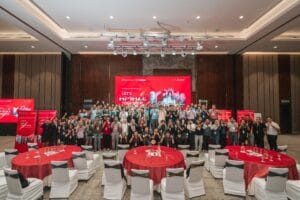
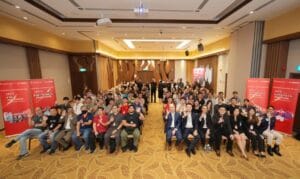
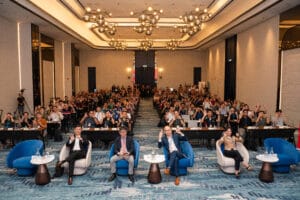
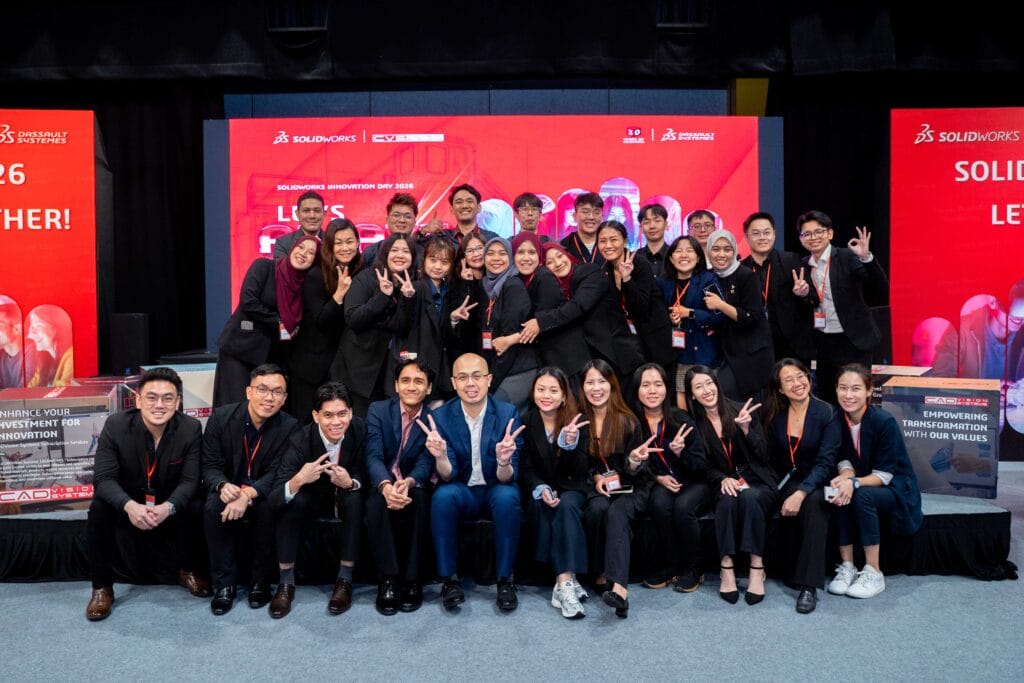
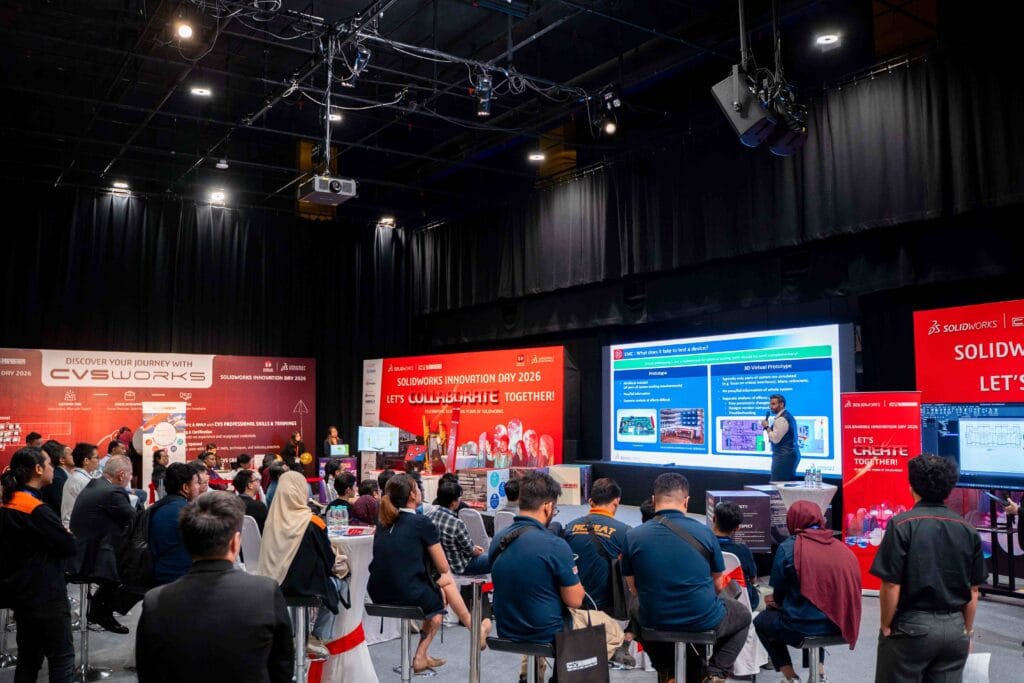
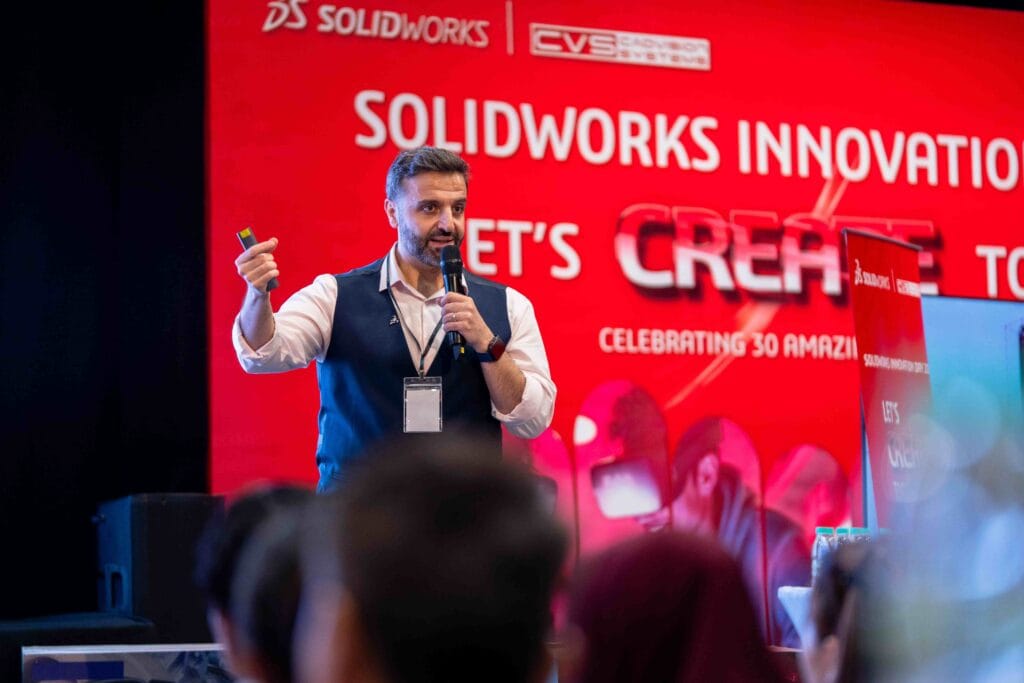
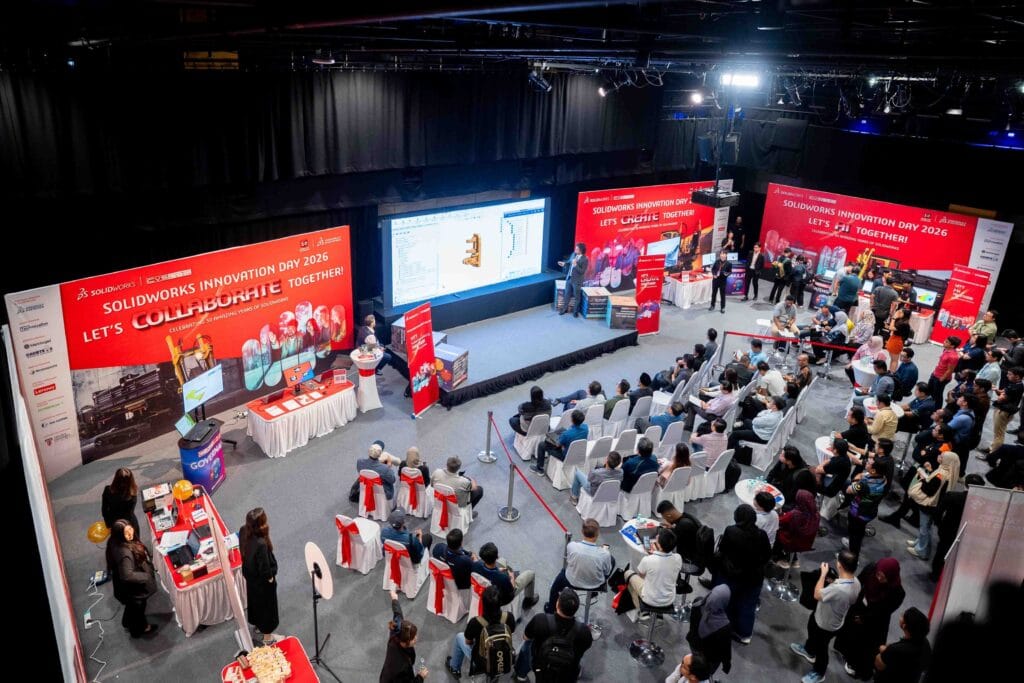
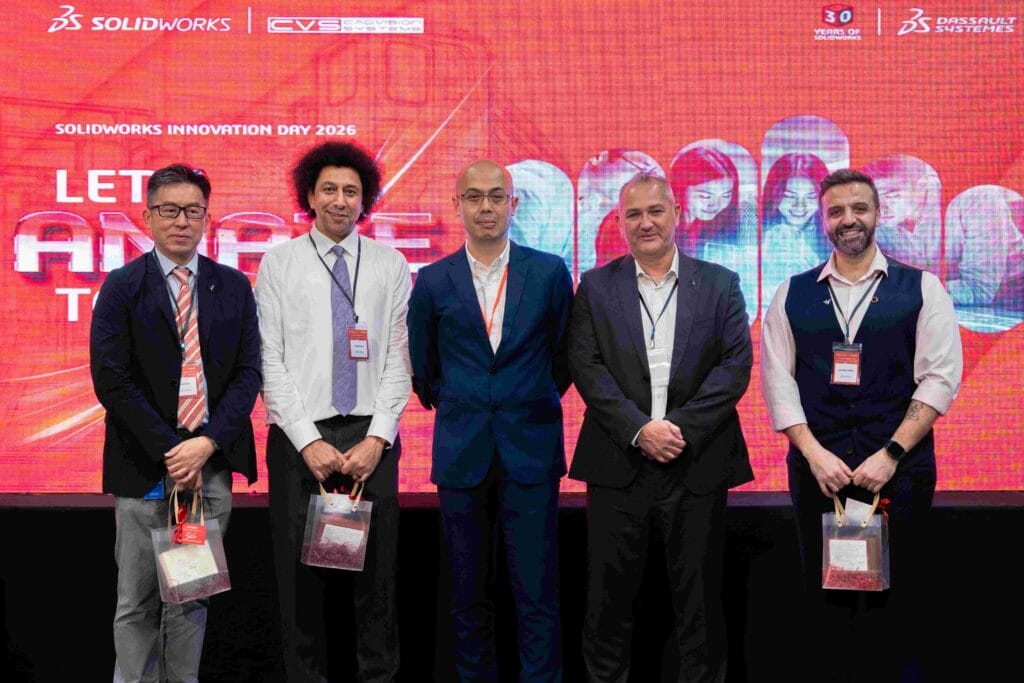
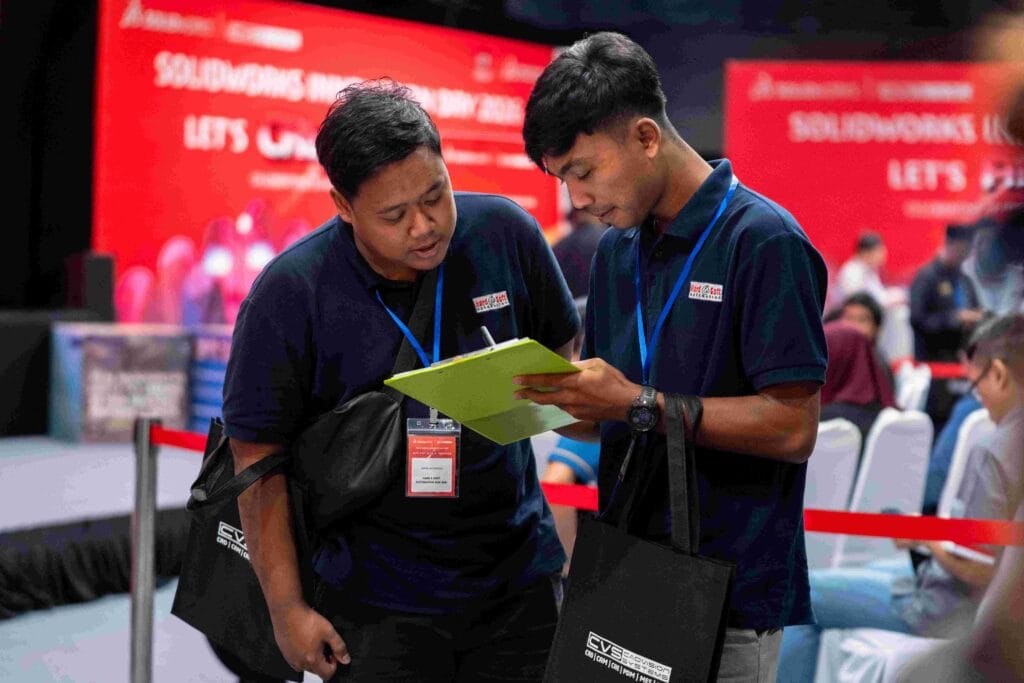
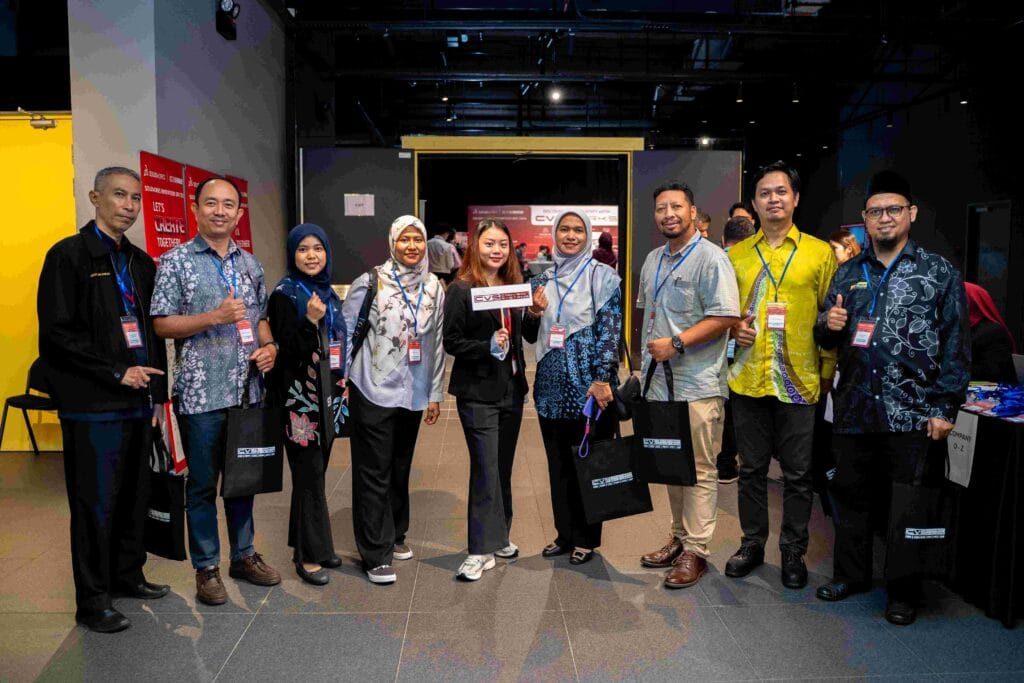
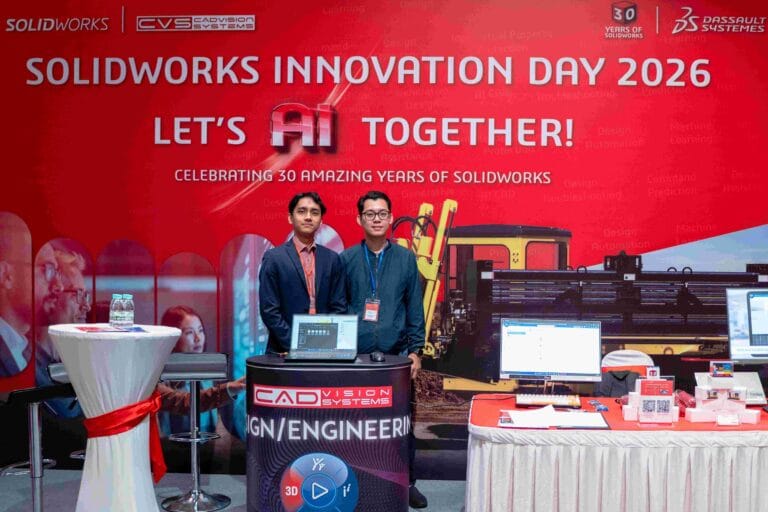
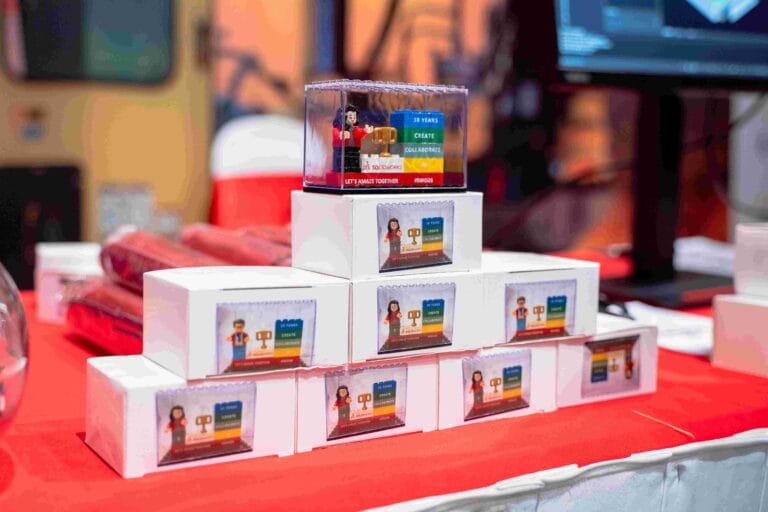
On 20 November 2025, CADVision Systems united engineers, designers, industry leaders, and technology partners for SOLIDWORKS Innovation Day 2026 (SWID2026), themed “Let’s AMAZE Together”, at PJPAC Nero Event Space, 1 Utama. The event marked both the annual launch of the latest SOLIDWORKS release and the 30th anniversary of SOLIDWORKS!
Centered on the three main pillars of Create, Collaborate, and AI, attendees explored the latest SOLIDWORKS 2026 updates, experienced live technology demonstrations, gained insights from experts on simulation, AI, and cloud collaboration, and connected with peers through networking sessions – fostering learning, workflow discovery, and meaningful professional connections.
Ushering in the Age of Intelligent Design
This year’s SOLIDWORKS Innovation Day marked a significant milestone in the evolution of design and engineering technology. With the introduction of SOLIDWORKS Aura, the platform’s first fully integrated AI assistant, we witnessed the beginning of a new chapter where artificial intelligence becomes an active partner in the creative process.
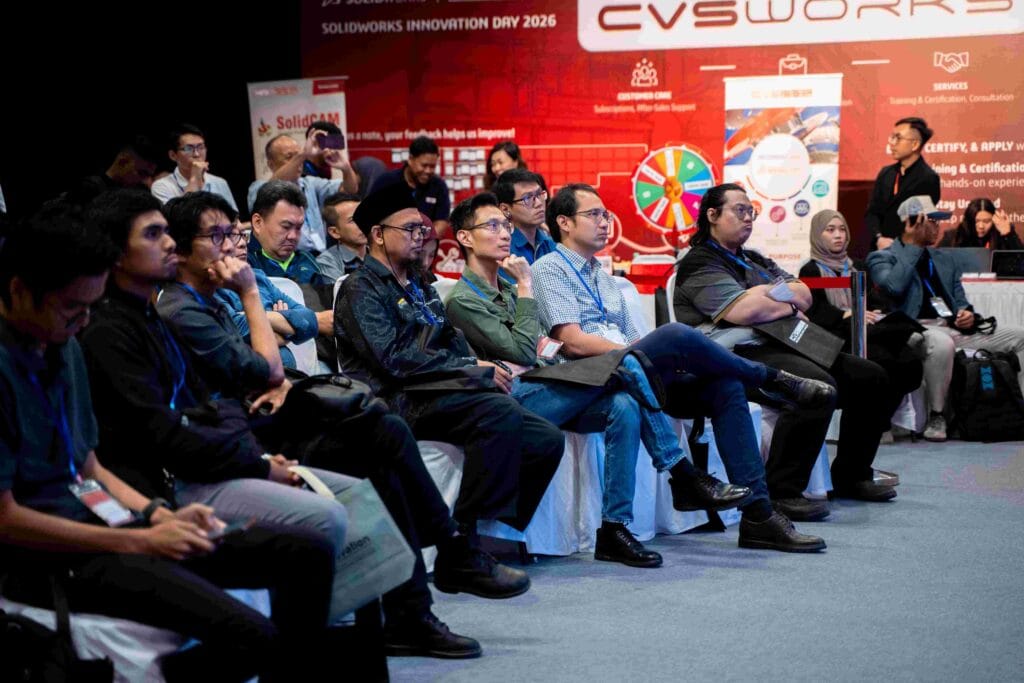
Throughout the event, speakers and booth demonstrations highlighted how AI is transforming workflows across three key dimensions: Automate (eliminating repetitive tasks), Assist (intelligent command prediction and guidance), and Co-Create (generative design and automated assembly). The Kuala Lumpur audience, representing Malaysia’s vibrant manufacturing and engineering sectors, engaged enthusiastically with these emerging capabilities, asking detailed questions about implementation and real-world applications.
Exhibition Booths Recap
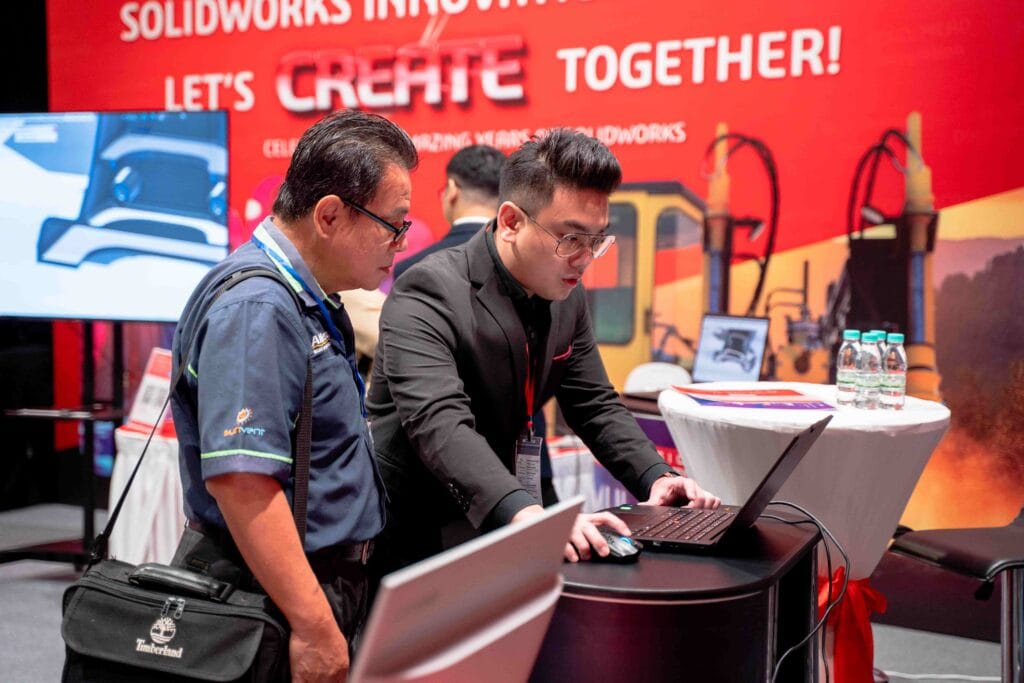
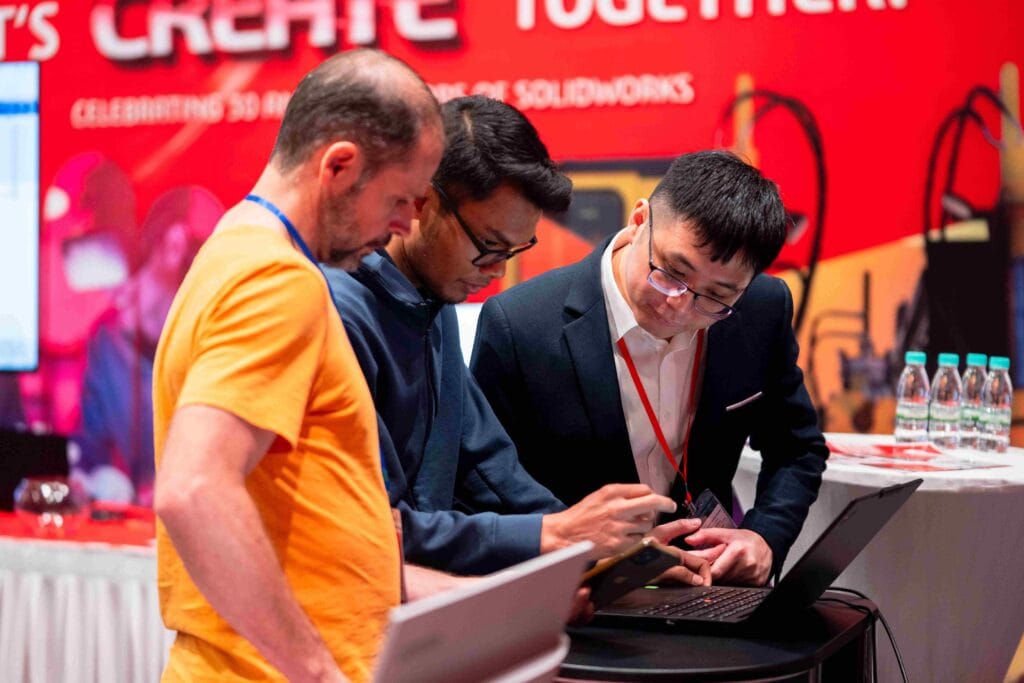
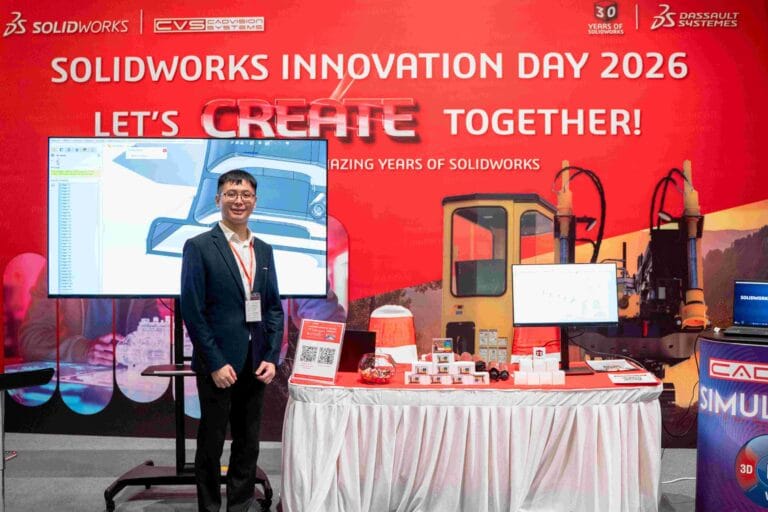
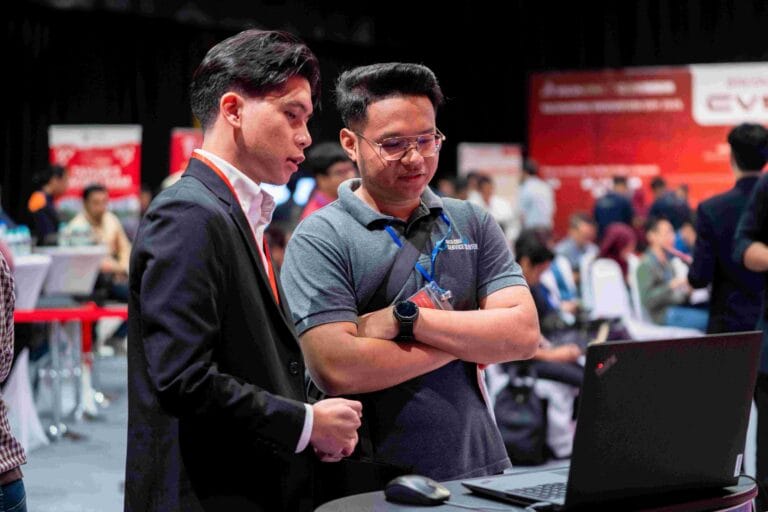
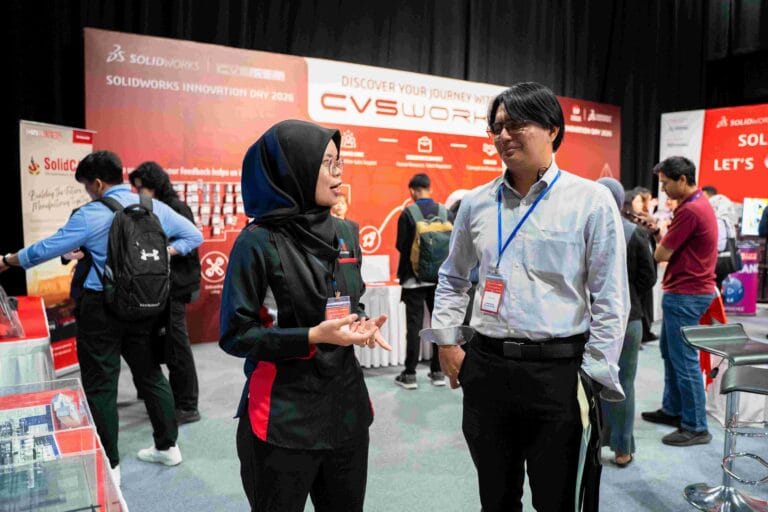
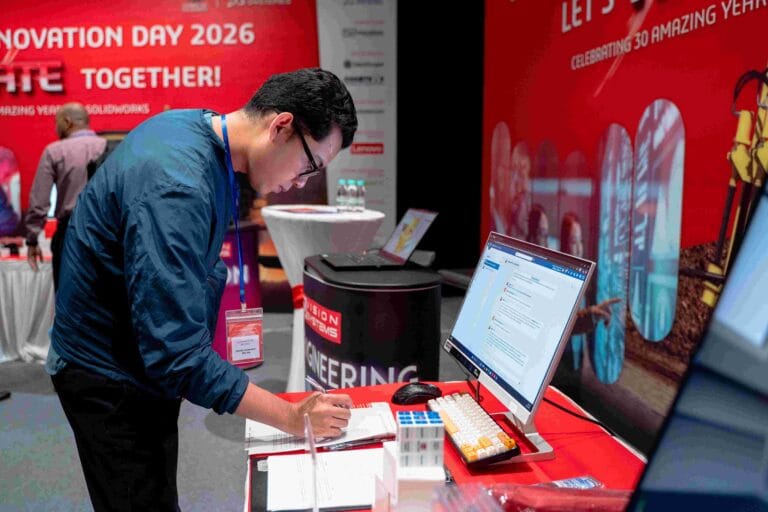
The event was not only a platform to unveil What’s New in SOLIDWORKS 2026, but also featured partner booths showcasing their own services that complement and integrate with SOLIDWORKS. SOLIDWORKS Innovation Day 2026 Kuala Lumpur offered an extensive exhibition floor where attendees could experience technologies hands-on, engage directly with partners, ask in-depth questions, and see real-world applications aligned with the tools and workflows discussed on stage.
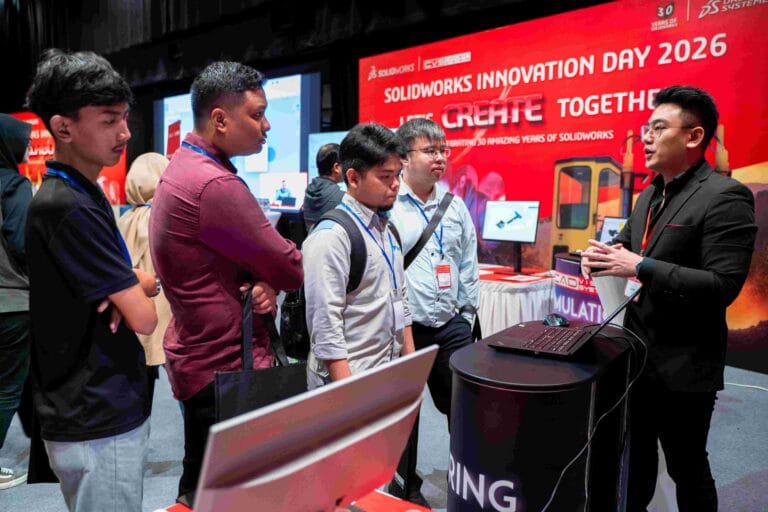
CREATE Booth
CREATE booth showcased the core design and simulation capabilities of SOLIDWORKS 2026, demonstrating how AI-enhanced tools accelerate everyday engineering tasks.
Design: Visitors explored new part modeling, assembly, and drawing features enhanced with AI for faster task completion and reduced repetitive work.
Simulation: Live demonstrations highlighted upgraded structural and plastics simulation functionalities designed to improve accuracy and reliability in virtual testing.
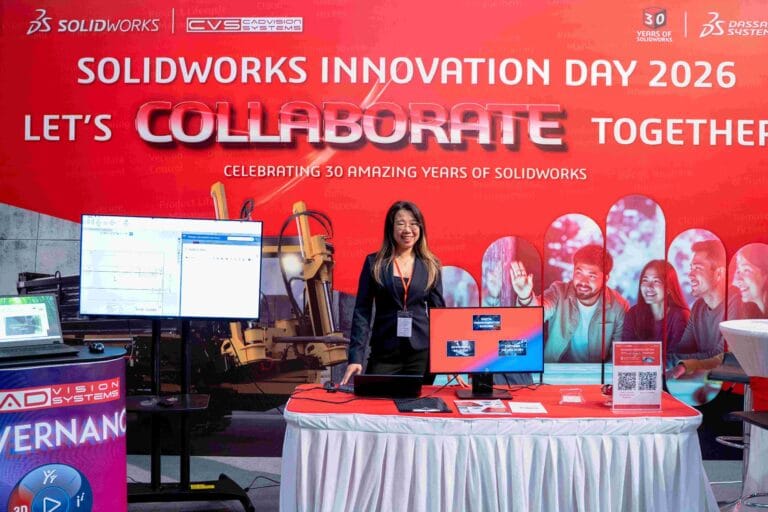
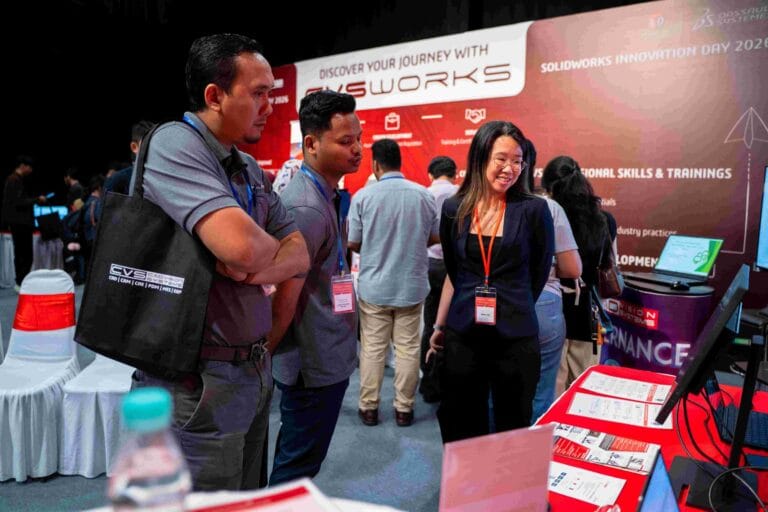
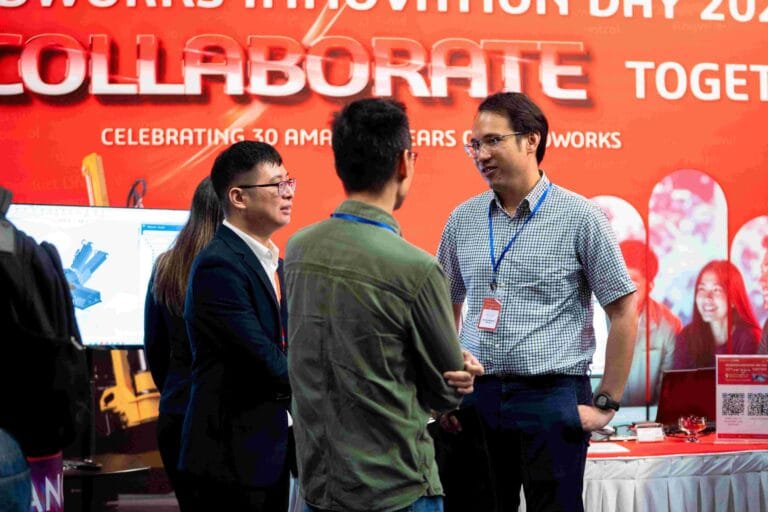
COLLABORATE Booth
COLLABORATE booth demonstrated how cloud services, data management, and platform integration enable seamless teamwork across distributed engineering teams.
Cloud Services: Highlighted that all SOLIDWORKS licenses purchased after 2023 include Cloud Services with three main features – Share & Markup, Store & Revise, and Manage & Control.
PDM: Showcased Revision Control and Design Reuse capabilities for managing design data and ensuring teams work with the latest approved versions.
Cloud PLM: Demonstrated Project Planning tools to help streamline schedules, allocate resources, and maintain visibility across product development timelines.
3DEXPERIENCE: Presented the cloud platform as a complete product development ecosystem where all employees work from a single source of truth and collaborate in real time.
AI Booth
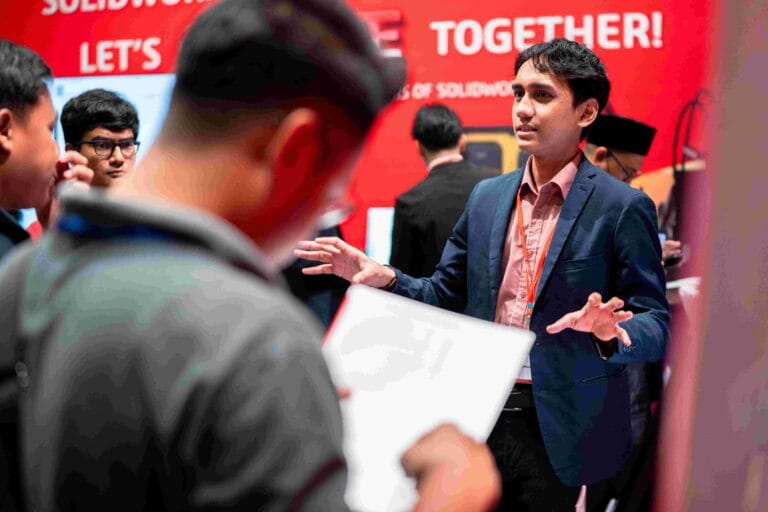
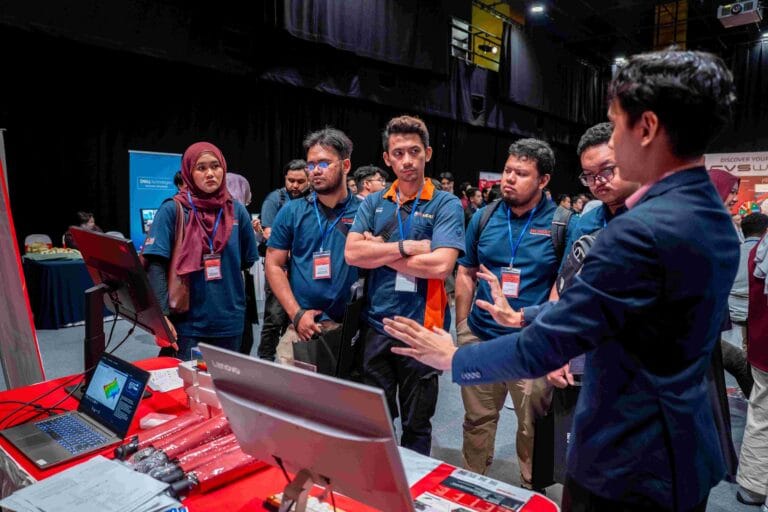
AI booth unpacked the three layers of artificial intelligence now embedded in SOLIDWORKS, showing how machine learning transforms design workflows.
Automate: Built on in-session intelligence that has been part of SOLIDWORKS for over a decade. Features like Smart Mates and sketch automation eliminate repetitive work and deliver instant value.
Assist: Built on transformer-based prediction that acts like a co-pilot – suggesting commands, anticipating next steps, and arranging drawings intelligently based on learned patterns from real workflows.
Co-Create: Built on advanced AI models where AI becomes a creative partner – generating full drawings, proposing design alternatives, and even assembling parts automatically based on learned mechanical interfaces.
CVS Works Booth
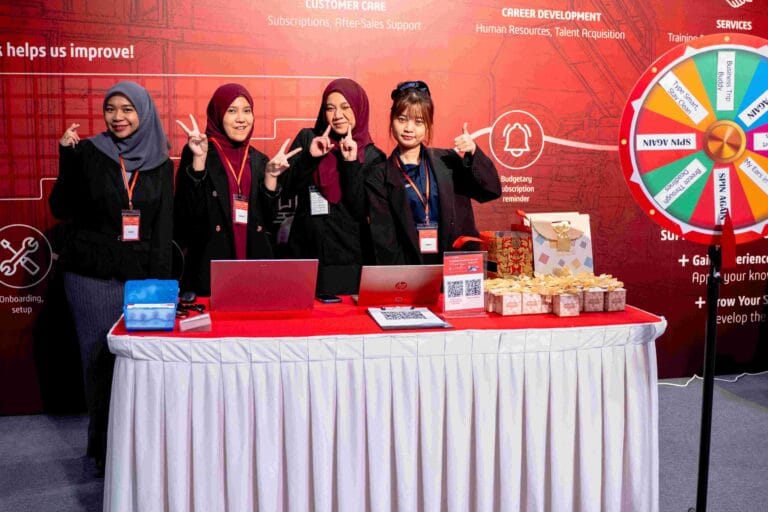
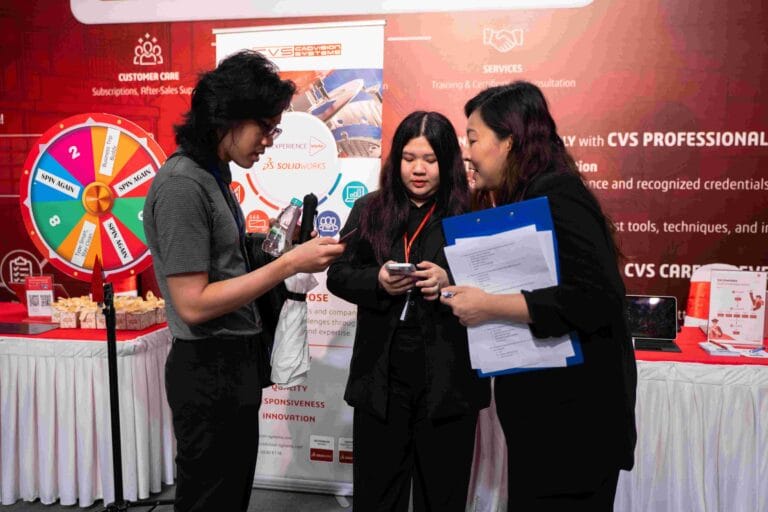
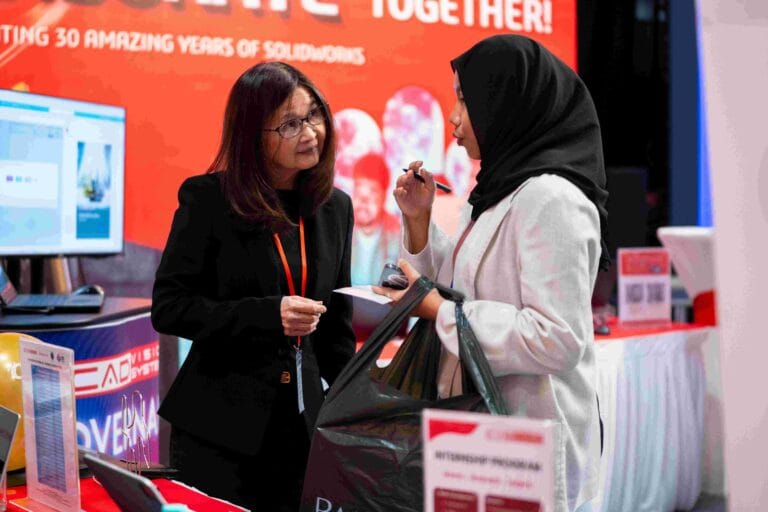
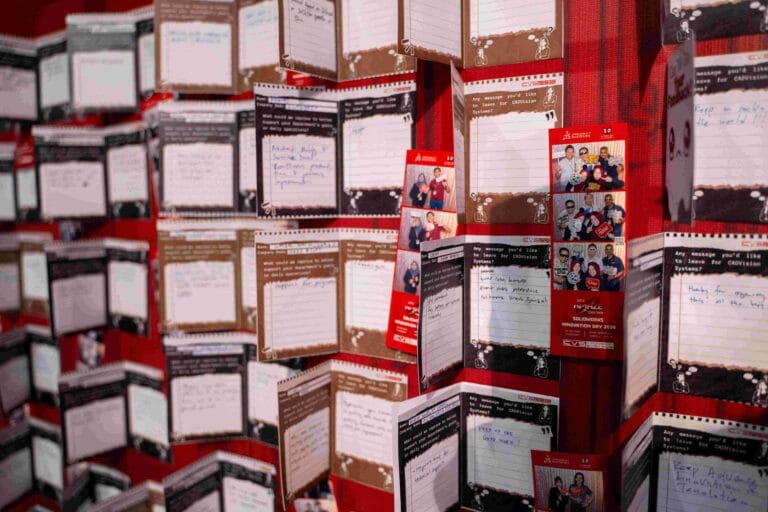
CVS Works booth served as the central hub for attendee engagement and community building throughout the event.
Customer Care: Highlighted the importance of SOLIDWORKS subscriptions in accessing to all new SOLIDWORKS releases and upgrades, alongside after-sales support, while gathering customer feedback to continuously improve services.
Career Development: Promoted internship opportunities that support interns’ growth in work experience, skills, and capabilities through CVS career development programs.
Services: Emphasized the Learn, Certify, and Apply journey through CVS professional training programs, enabling attendees to gain hands-on experience and earn recognized SOLIDWORKS certifications.
SolidCAM Booth
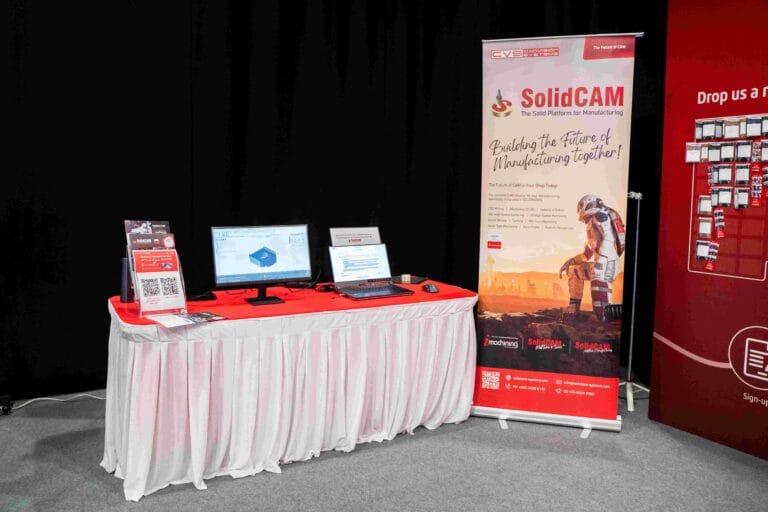
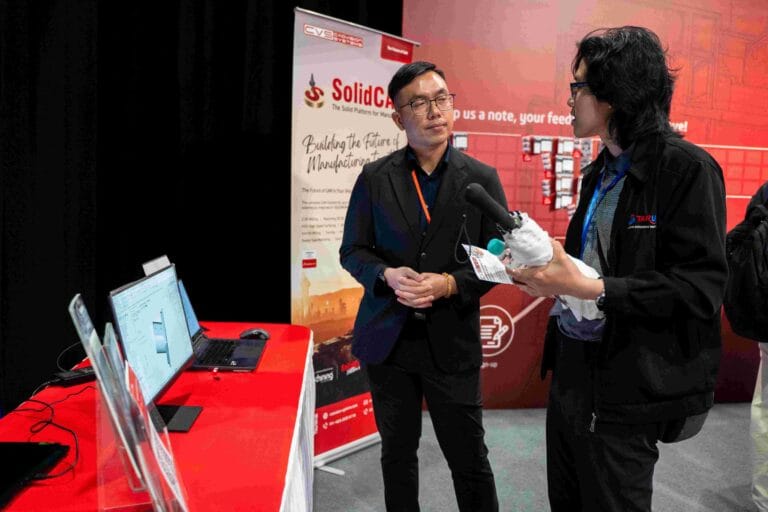
SolidCAM booth demonstrated fully integrated CNC programming within SOLIDWORKS, highlighting how seamless connectivity between design and manufacturing streamlines the end-to-end production workflow.
Integrated CAM: Visitors saw how CNC programming is performed directly inside the SOLIDWORKS interface, eliminating the need for data transfer and reducing errors.
iMachining: Demonstrations showcased iMachining technology, enabling faster, more efficient machining with optimized toolpaths and reduced cycle times.
Design-to-Manufacturing Workflow: The booth emphasized smoother collaboration between design and manufacturing teams, minimizing handoff friction and improving overall productivity.
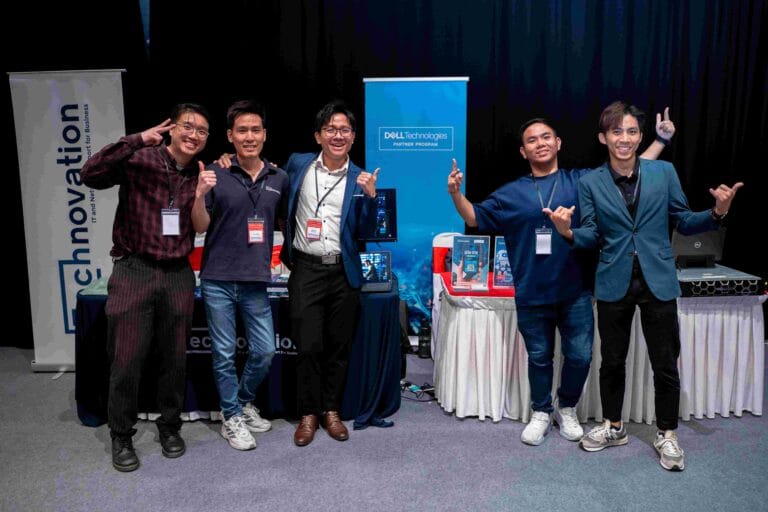
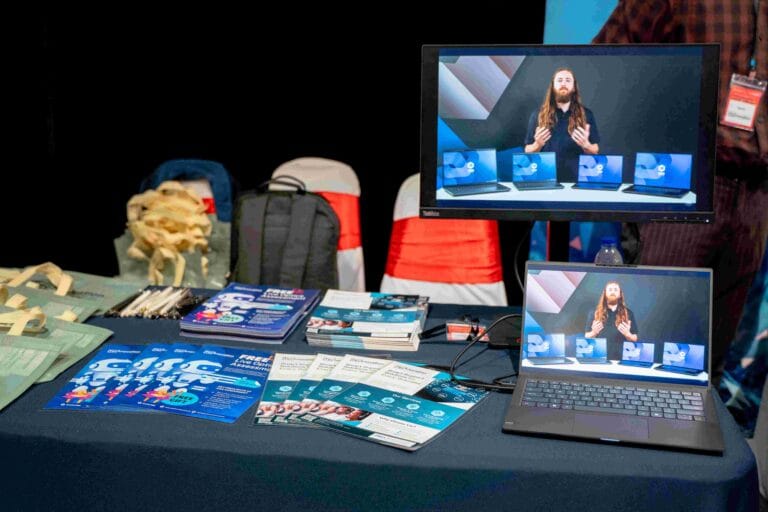
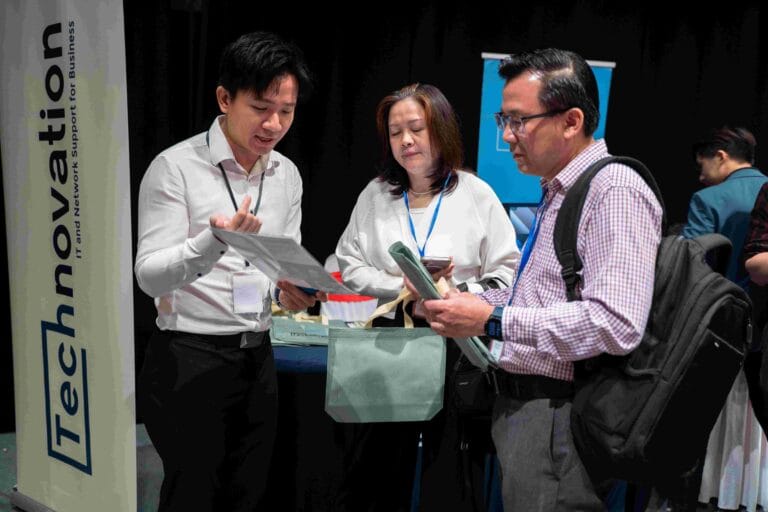
Technovation Booth
Technovation booth showcased cutting-edge VR and AR engineering visualization tools that transform how teams review designs and present to customers.
Demonstrations featured immersive walkthroughs using 3D models directly from SOLIDWORKS data, collaborative mixed-reality workflows for training, maintenance, and digital twin applications, and next-generation engineering communication tools.
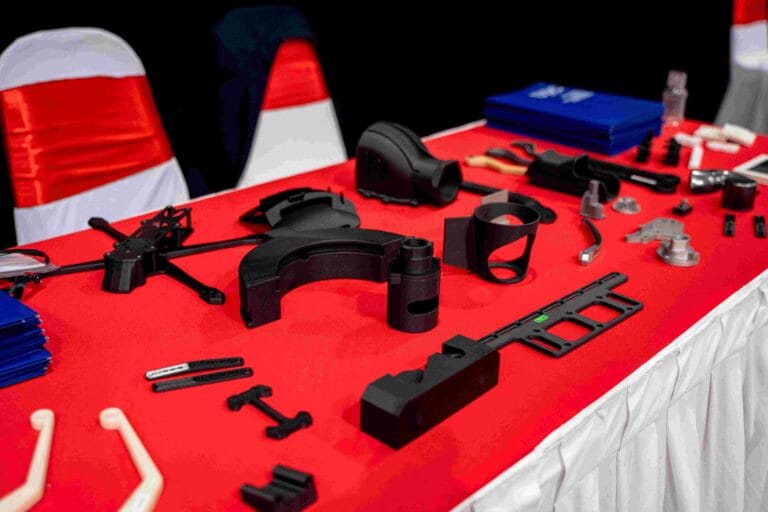
Chemtron Booth
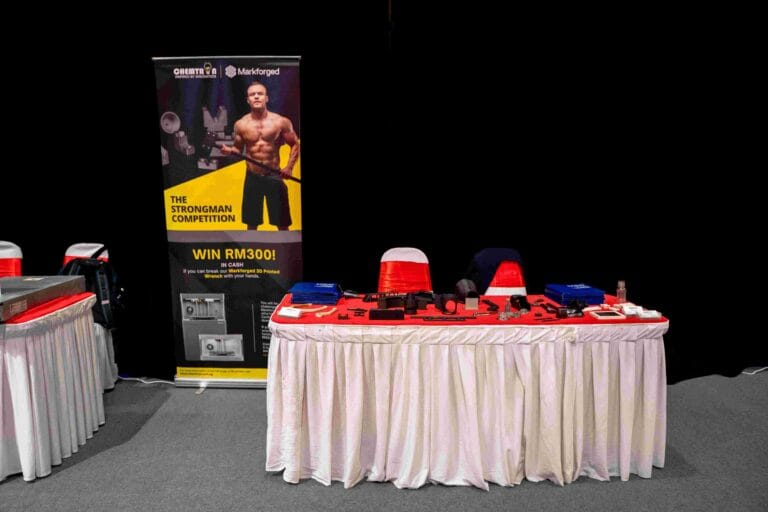
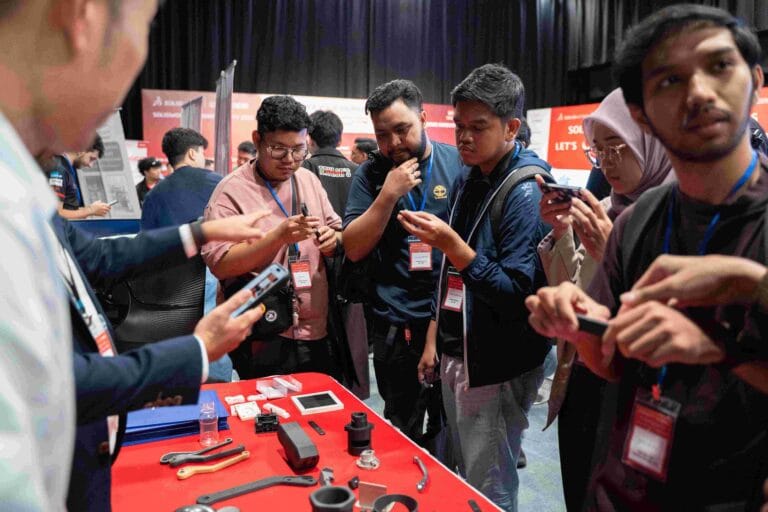
Chemtron booth highlighted Markforged composite and metal 3D printing solutions for industrial applications.
Displays included ONYX reinforced composites and high-strength industrial parts, the Digital Forge ecosystem with cloud-connected slicing and part tracking, and samples illustrating lightweighting, tooling, jigs, and production-grade components.
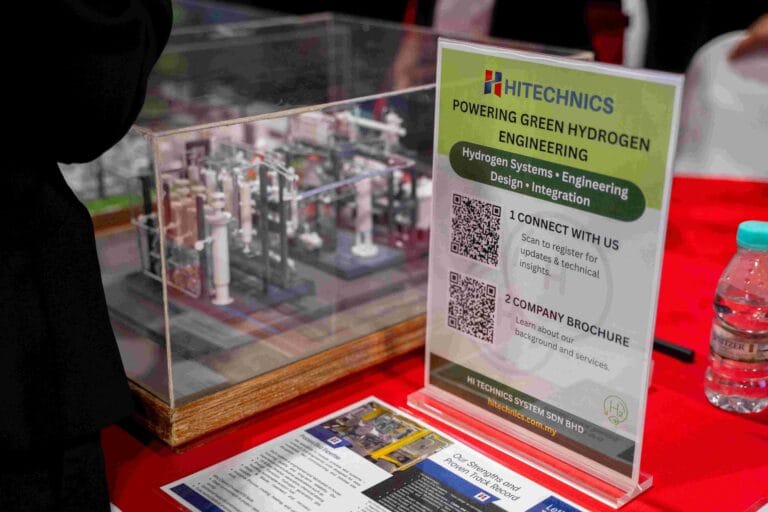
Hi Technics System Booth
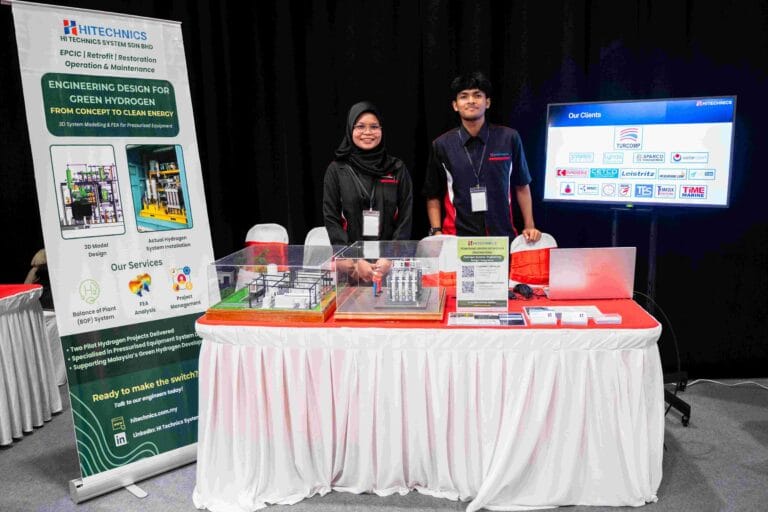
Hi Technics System booth featured industrial-grade 3D printers and manufacturing equipment.
Visitors experienced end-to-end prototyping workflows from model to finished part, material options suitable for engineering validation and small-batch production, and engaged with sample prints, machine demos, and application case studies.
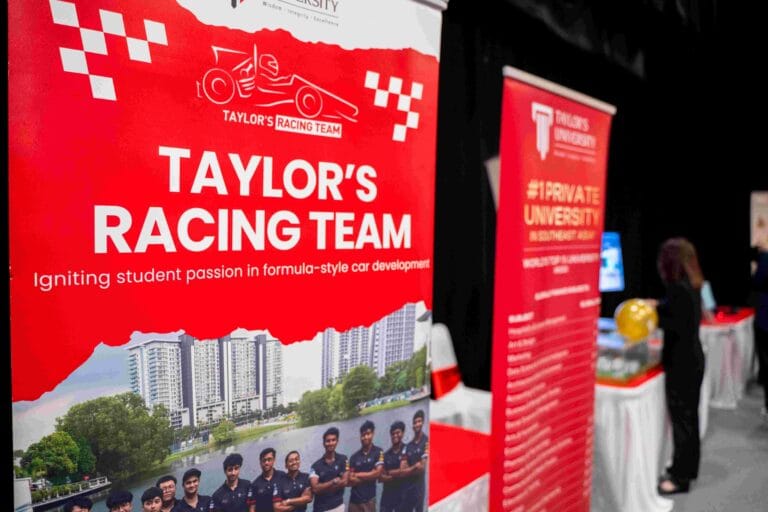
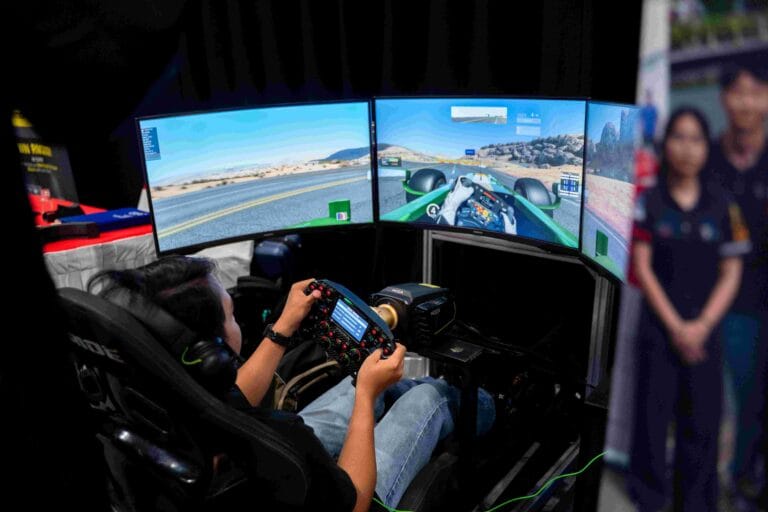
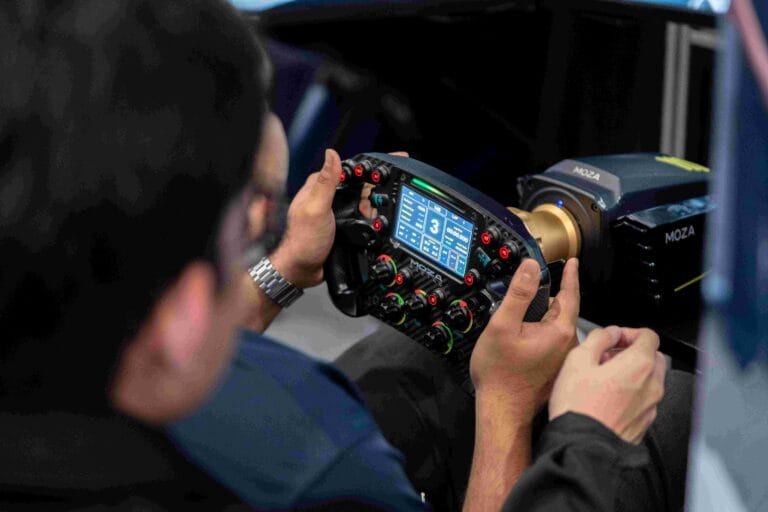
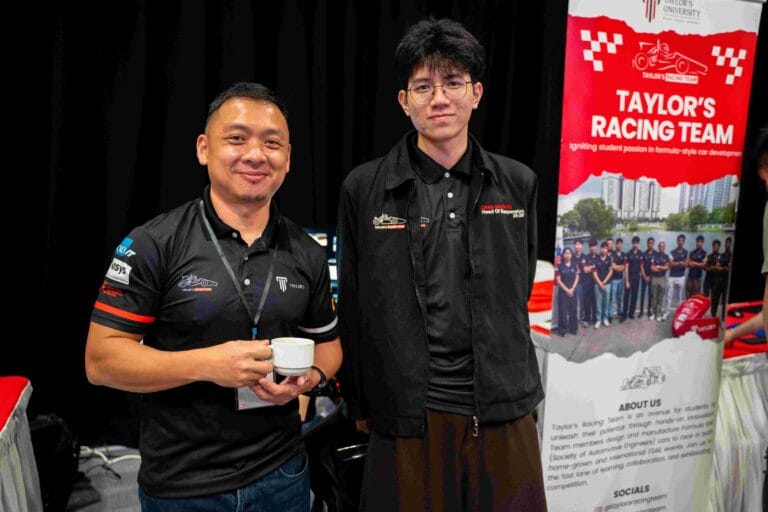
Taylor’s University Booth
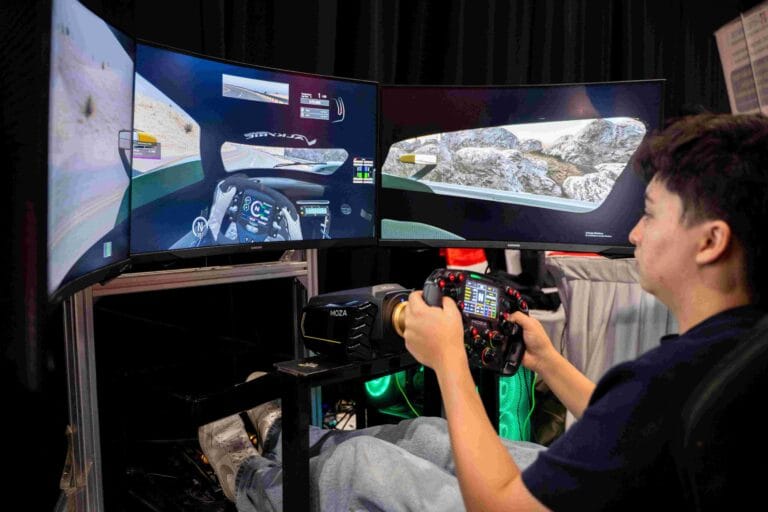
Taylor’s University booth brought high-energy excitement with a Formula-style racing simulator operated by Taylor’s Racing Team.
The booth demonstrated SOLIDWORKS applications in motorsport component and chassis design, shared student engineering workflows, race analysis, and real-world competition insights, attracting strong crowds and enhancing the event’s experiential value.
Keynote Speeches Recap
The day featured an exceptional lineup of speakers who shared insights spanning global SOLIDWORKS strategy, advanced simulation techniques, cloud collaboration, and the role of AI in modern engineering. Here’s what each speaker brought to the stage:
Virtual Worlds for Real Life: The Dassault Systèmes Vision
Stephane Bonnamour opened the keynote sessions by sharing Dassault Systèmes‘ foundational belief and strategic vision for the future of product development. His presentation positioned SOLIDWORKS within the broader context of digital transformation and emerging technologies that are reshaping industries worldwide. Key takeaways:
Dassault Systèmes’ core belief: Virtual worlds improve the real world by enabling better design and testing before physical production.
Disruptive trends: Artificial Intelligence, Electrification, Autonomous Vehicles, Connected Systems & Products, Software-Defined Experiences, Smart Cities, Personalized Healthcare, and Virtual Twins are transforming industries.
Integrated design & simulation: SOLIDWORKS and Dassault tools support engineers across the full product development process.
How virtual twin experiences help companies innovate sustainably, reduce prototyping costs, and speed up time to market.
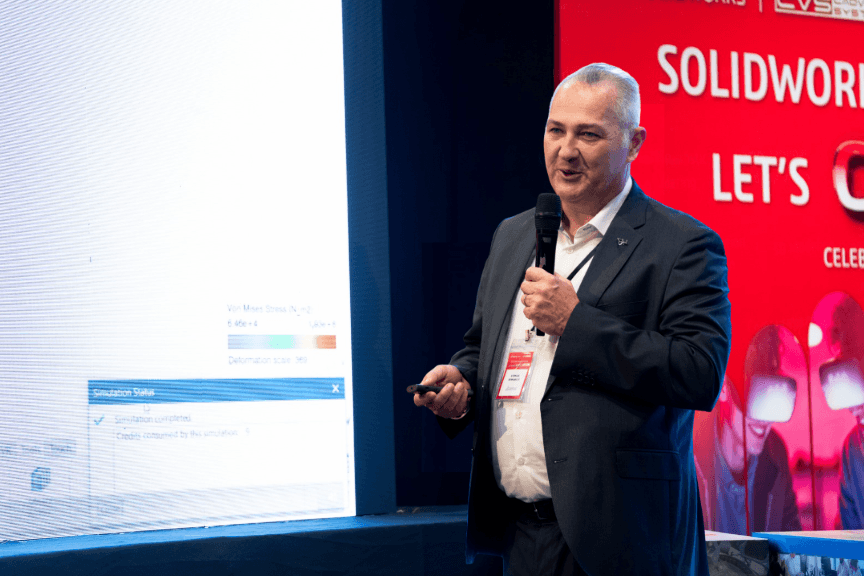
Stephane Bonnamour
Integrated Modeling & Simulation for SOLIDWORKS Users
Dr. Omar Zohni demonstrated how modeling and simulation work together seamlessly in SOLIDWORKS 2026, enabling engineers to validate designs earlier and more confidently. His session focused on practical workflows that bridge design and analysis. Key takeaways:
How integrated simulation reduces design iterations and accelerates time to market.
Real-world examples of structural, thermal, and flow analysis within the SOLIDWORKS environment.
Best practices for setting up simulation studies that deliver reliable, actionable results.
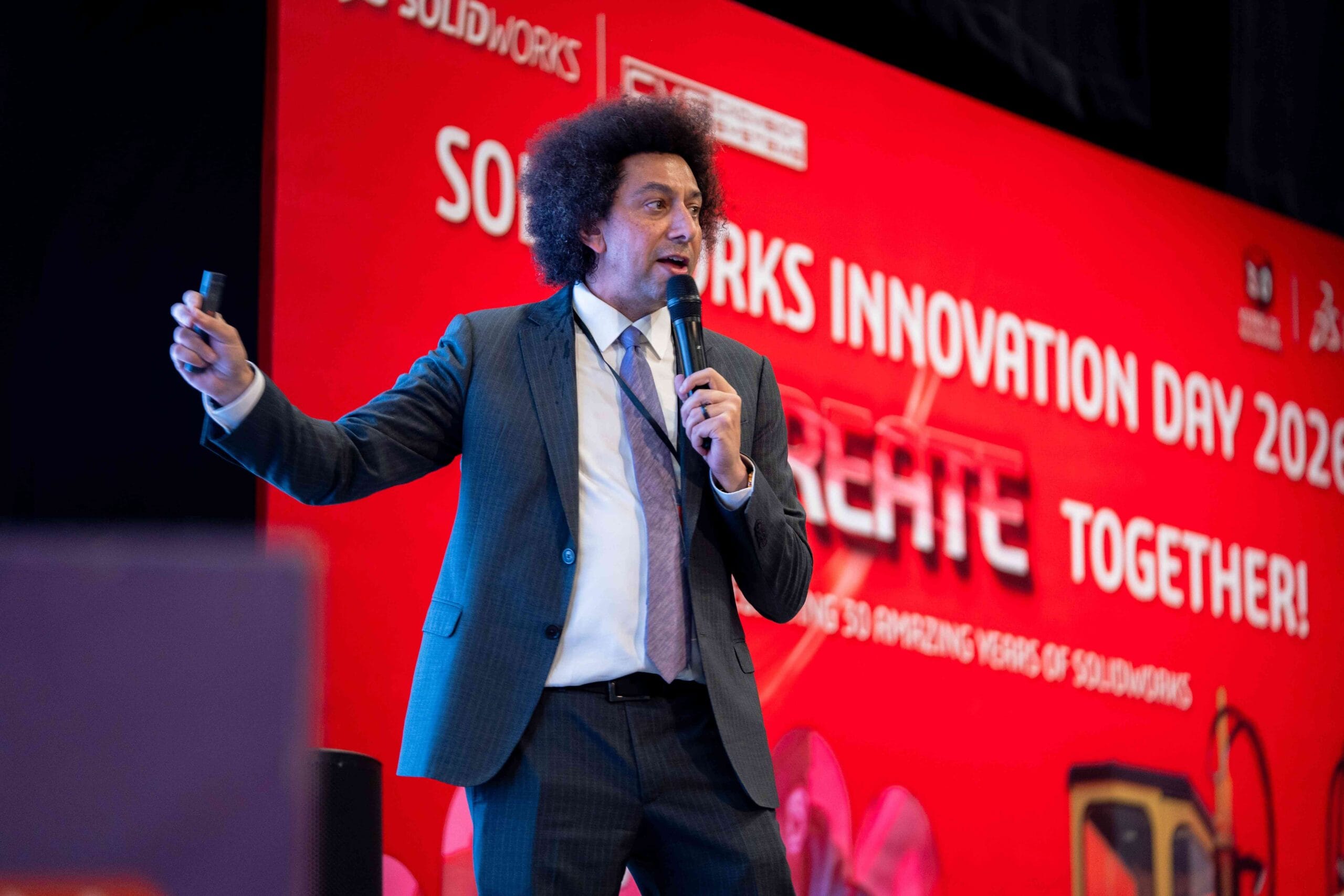
Dr. Omar Zohni
Accelerating Innovation with Electromagnetic Simulation
Hassan Chreim introduced electromagnetic (EMAG) simulation capabilities, demonstrating how SOLIDWORKS users can analyze electric motors, sensors, and other electromagnetic devices directly within their familiar design environment. Key takeaways:
Growing importance of electromagnetic analysis in modern product development, especially for electronics and electromechanical systems.
How EMAG simulation helps predict performance, optimize efficiency, and reduce physical prototyping.
Integration between SOLIDWORKS design and specialized electromagnetic analysis tools.
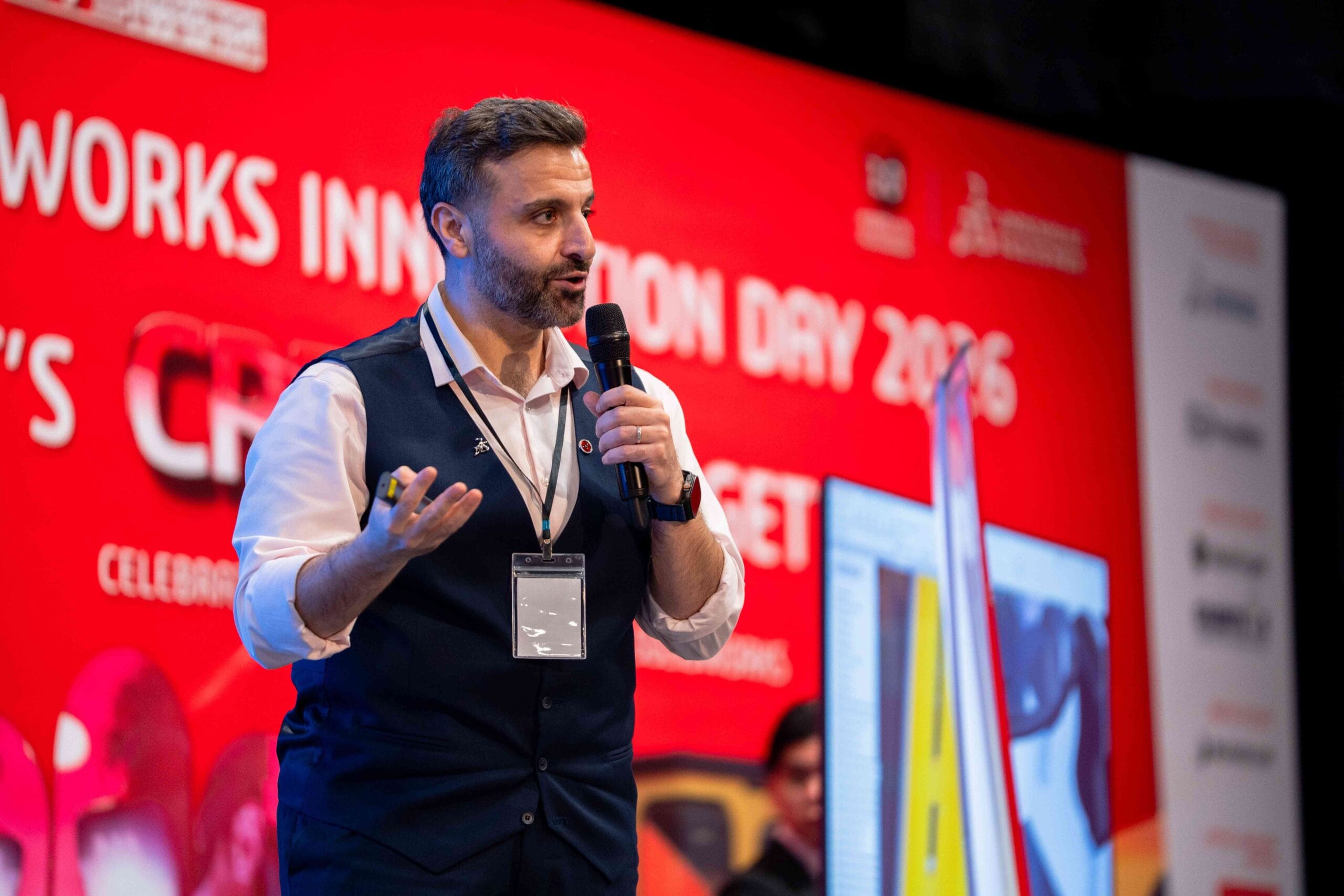
Hassan Chreim
Create, Collaborate, and AI with SOLIDWORKS
Simon Ng explored the three strategic pillars of SOLIDWORKS 2026 – CREATE, COLLABORATE, and AI – showing how these capabilities work together to transform modern product development. Key takeaways:
CREATE: Enhanced design tools including AI-assisted features for parts, assemblies, and drawings.
COLLABORATE: Cloud services, PDM, and 3DEXPERIENCE platform enabling teams to work from a single source of truth.
AI: Introduction of SOLIDWORKS Aura and how machine learning is embedded throughout the design process.
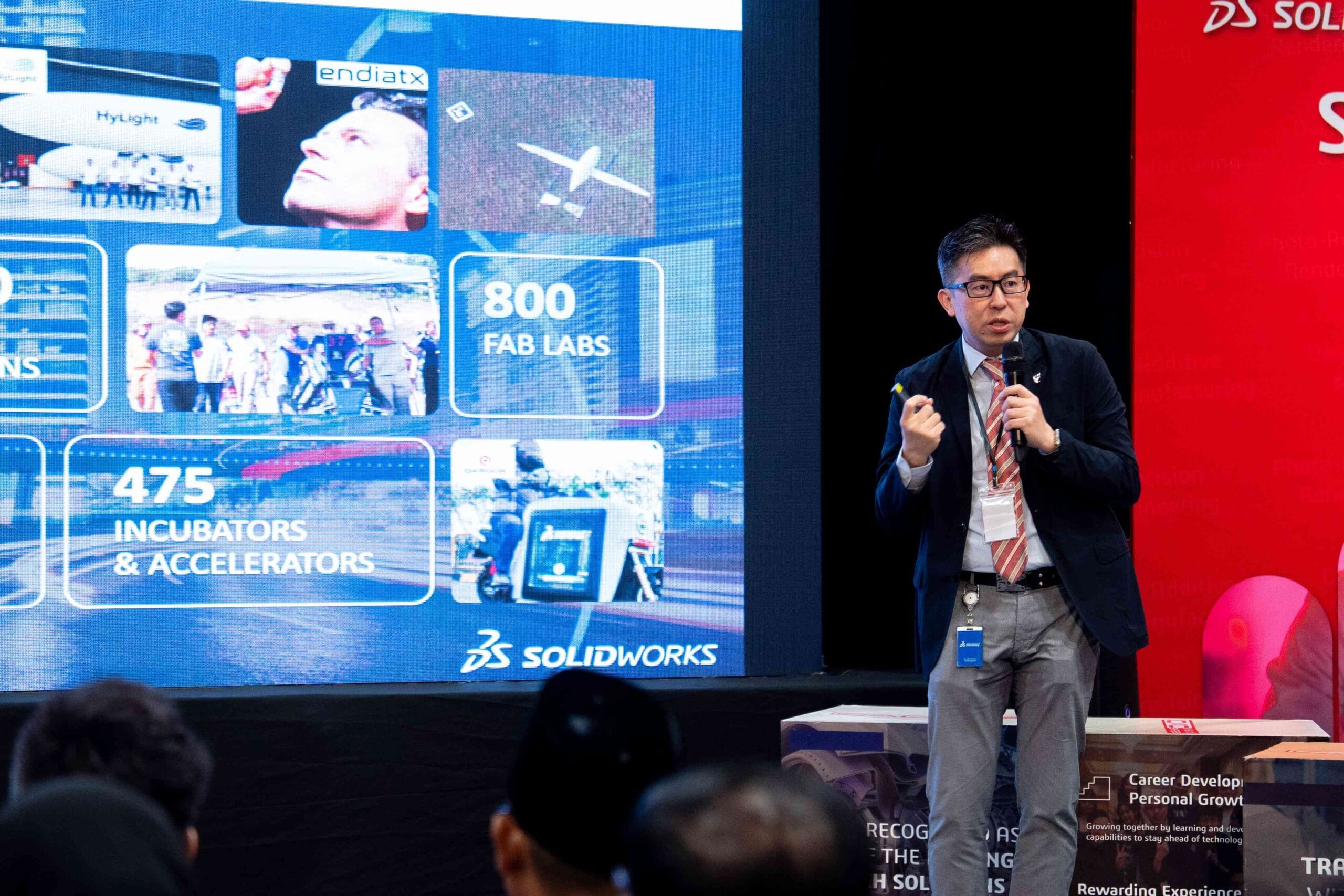
Simon Ng
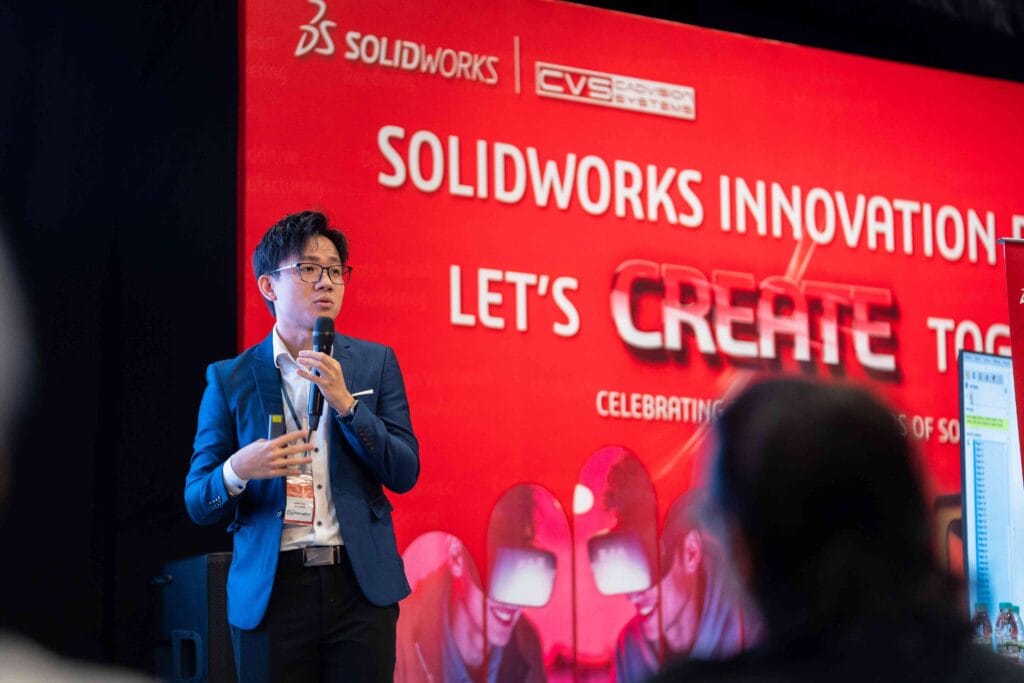
Chris Tan Joo Kean
Powering Your Business with Smart IT
Chris Tan Joo Kean shifted focus to the infrastructure that supports modern engineering workflows, discussing how smart IT solutions enable organizations to maximize their SOLIDWORKS investment. Key takeaways:
The importance of robust workstation and server infrastructure for running SOLIDWORKS efficiently.
How VR and AR technologies are enhancing design review and customer presentation workflows.
Strategies for scaling IT infrastructure as engineering teams grow and projects become more complex.
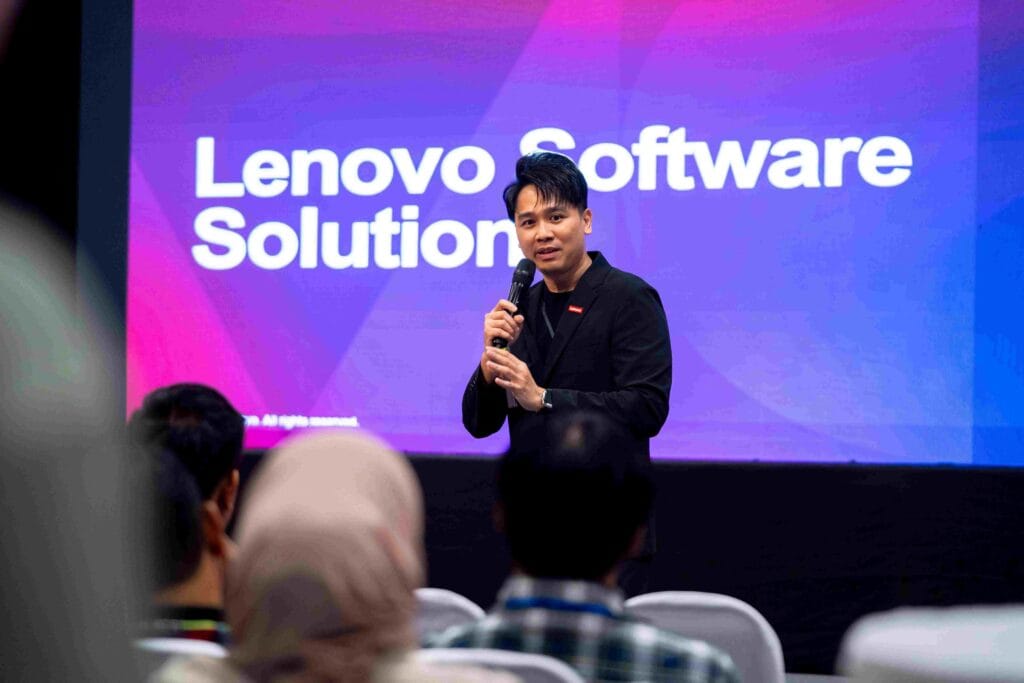
Benjamin Lim
AI Development with Lenovo Workstation
Benjamin Lim closed the speaker lineup by discussing the hardware foundation needed to run AI-powered design tools effectively, highlighting how Lenovo workstations are optimized for SOLIDWORKS and emerging AI workflows. Key takeaways:
Hardware requirements for running SOLIDWORKS 2026 and AI features smoothly.
How modern workstations with advanced GPUs accelerate simulation, rendering, and AI computations.
Future-proofing engineering teams with scalable, high-performance computing solutions.
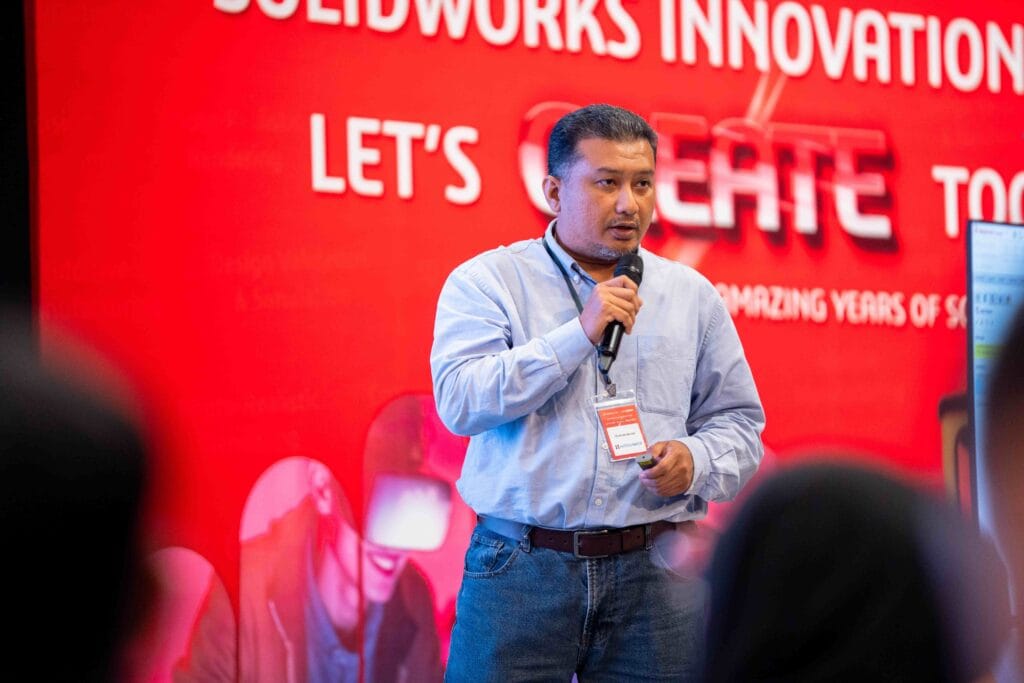
Ts. Hilmi Bin Isa
Fatigue Analysis (S–N Life) for Pressure Vessel Using SOLIDWORKS Simulation
Ts. Hilmi Bin Isa delivered a technical deep-dive into fatigue analysis for pressure vessels, showcasing how SOLIDWORKS Simulation handles complex durability calculations critical for industrial applications. Key takeaways:
Step-by-step approach to setting up S-N curve-based fatigue studies in SOLIDWORKS Simulation.
Real-world pressure vessel case study demonstrating design validation and safety factor calculation.
How simulation-driven design reduces risk and ensures compliance with industry standards.
Interactive Activities and Networking
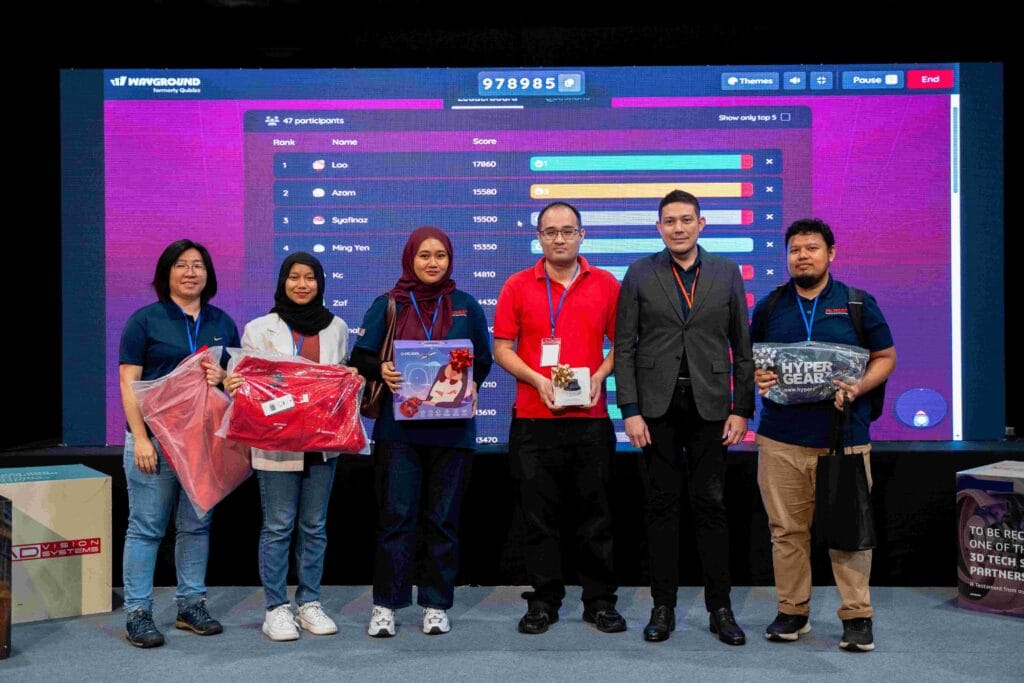
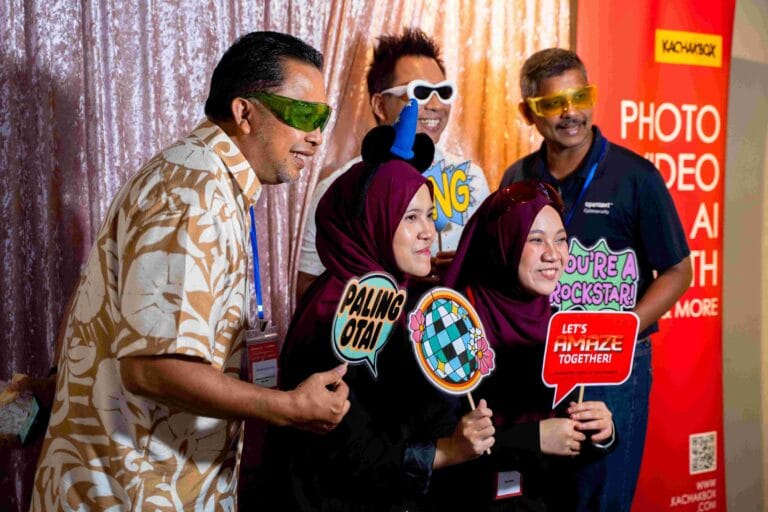
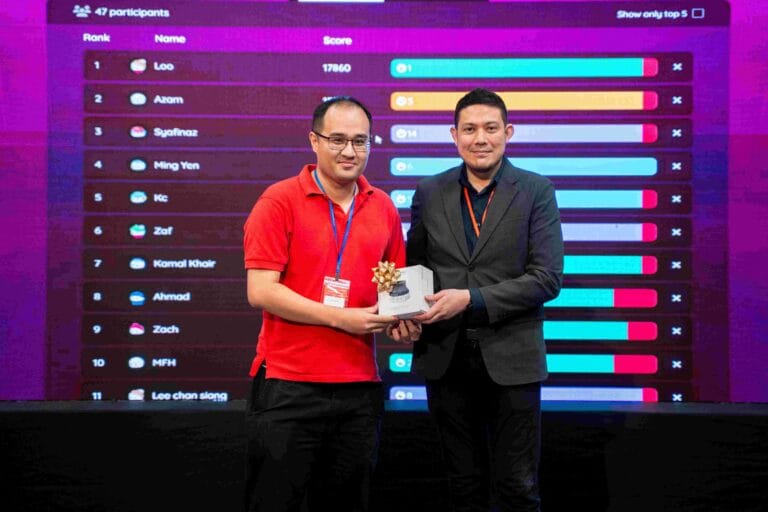
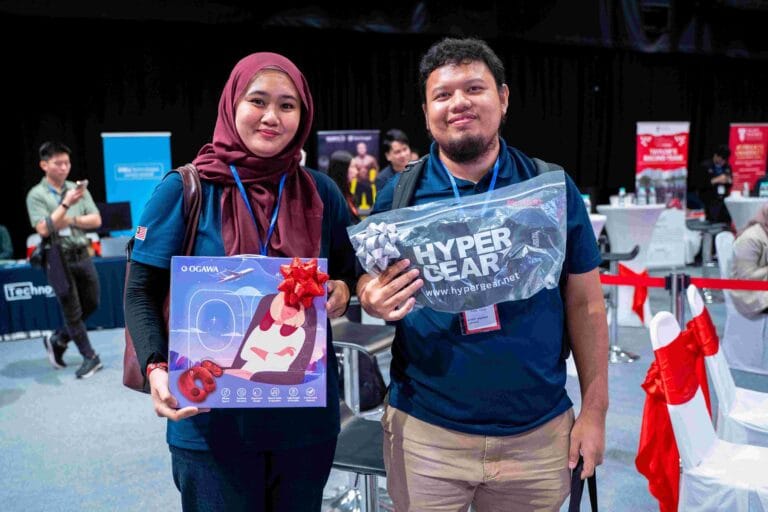
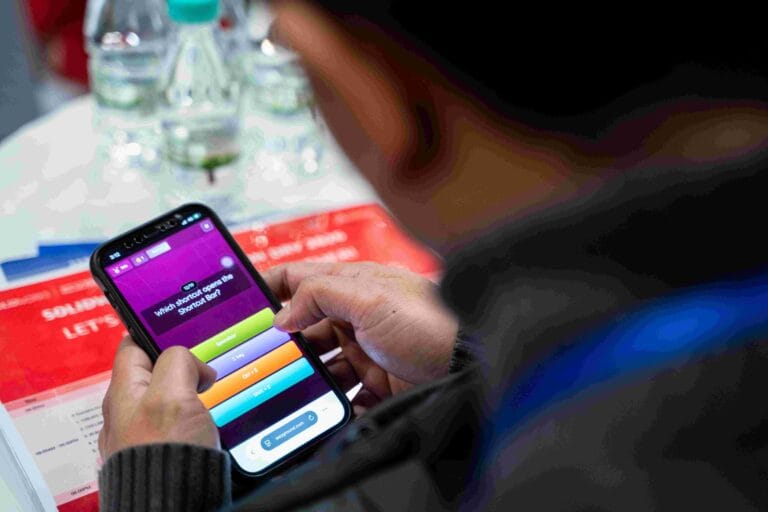
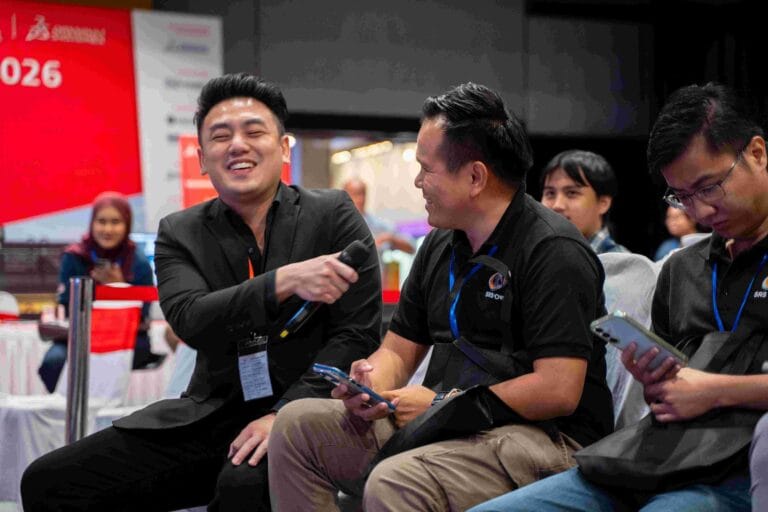
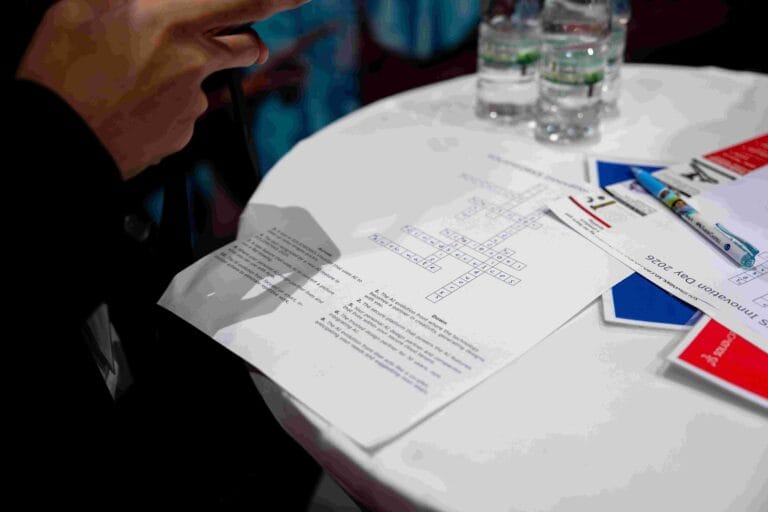
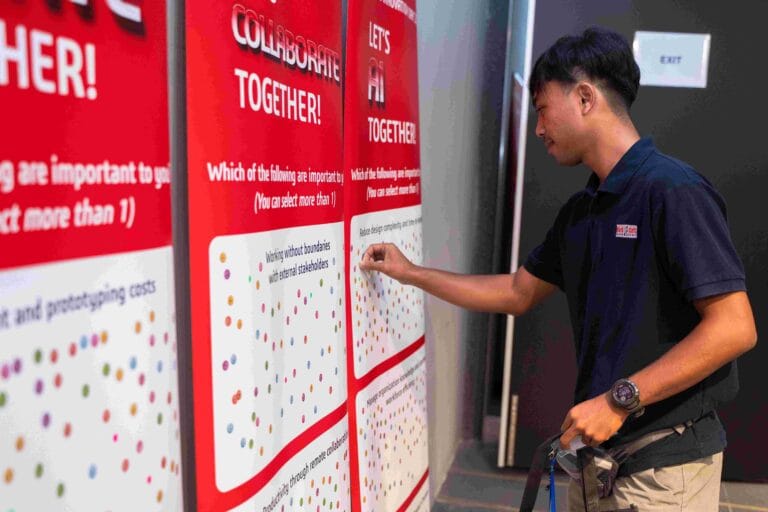
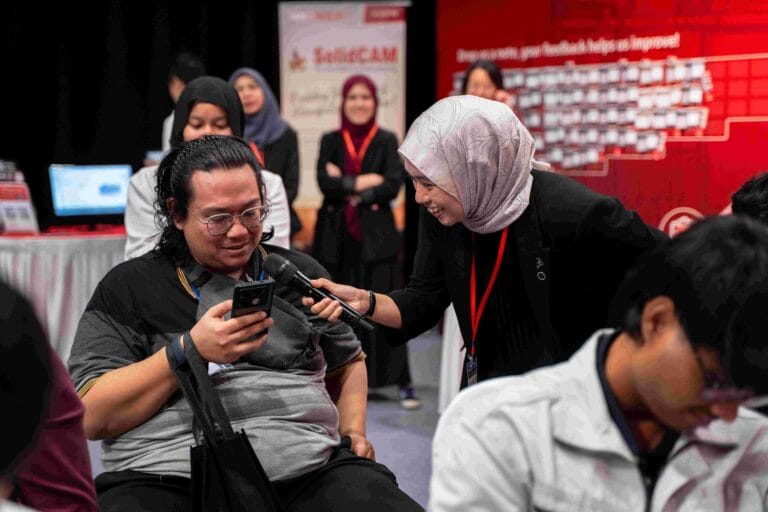
Between presentations and booth visits, attendees enjoyed engaging activities that kept energy high and encouraged networking through refreshments, meals, and idea-sharing. Interactive highlights included a SOLIDWORKS knowledge quiz, spin-wheel games at the CVS Works booth, mission cards to explore the exhibition, and sponsor-supported quiz prizes that added excitement throughout the day. These moments complemented the technical sessions, making SWID2026 Kuala Lumpur both educational and a memorable community gathering.
Special Thanks to Our Sponsors & Partners
SWID2026 Kuala Lumpur was made possible through the generous support of our sponsors and partners. Their contributions – from technology demonstrations to prizes and giveaways – enriched the experience for every attendee.
We are honored to have partnered with Dassault Systèmes as our Platinum Sponsor and Co-Organiser, Technovation together with Dell Technologies as our Silver Sponsor, Markforged together with Chemtron Pte Ltd and 3Dconnexion as our Bronze Sponsors, Lenovo as our Official Hardware Partner, Hypergear as our Official Merchandise Partner, as well as Taylor’s Racing Team by Taylor’s University and ZUS Coffee as our Supporting Partners.
Their collaboration and generosity helped create an engaging, hands-on experience, and we deeply appreciate their continued trust and partnership with CADVision Systems.








See You Again Next Year!
To everyone who joined SWID2026 Kuala Lumpur, thank you for being part of this milestone event. Your enthusiasm, questions, and passion for engineering made the day truly special. We hope you left inspired and equipped with new knowledge to bring back to your teams.
Stay tuned for more events, hands-on workshops, and training opportunities on our Events page, where we’ll continue to share updates, product launches, and community activities throughout the year.