
CVS Subscription Plans
CADVision Systems’ Subscription Plans are here to help our users stay covered and current. Discover how our plans give you the privilege of ongoing enhancements and year-round value.
Gain More out of Your Subscription
At CADVision Systems, we believe subscription plans shouldn’t be just your routine license renewal, nor should they be one-size-fits-all across all users. With our revamped and enhanced subscription plans, you will find something more tailored, and loaded with many more entitlements than ever before, so you get the most out of your investment.


Upskill Opportunities
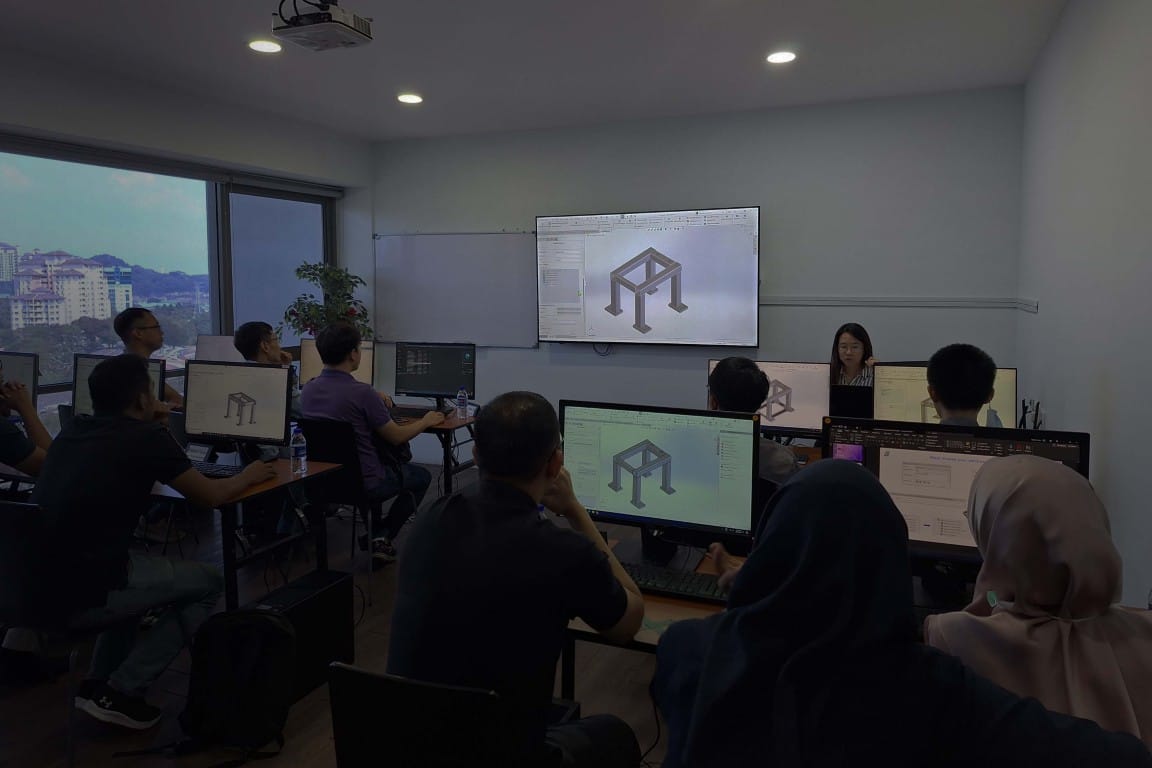
— Skill enhancement workshops, formal instrutor-led trainings
Choose the Right Plan for You
CVS Subscription Plans are built to give you the best VALUE, beyond the standard software renewals. With a strong focus on holistic services and tech-enablement, each plan includes on-demand training, partner software solutions, priority support, and much more! These exclusive entitlements are available throughout your active subscription.
Features
Essential
Elite
- Access valid for 12 months.
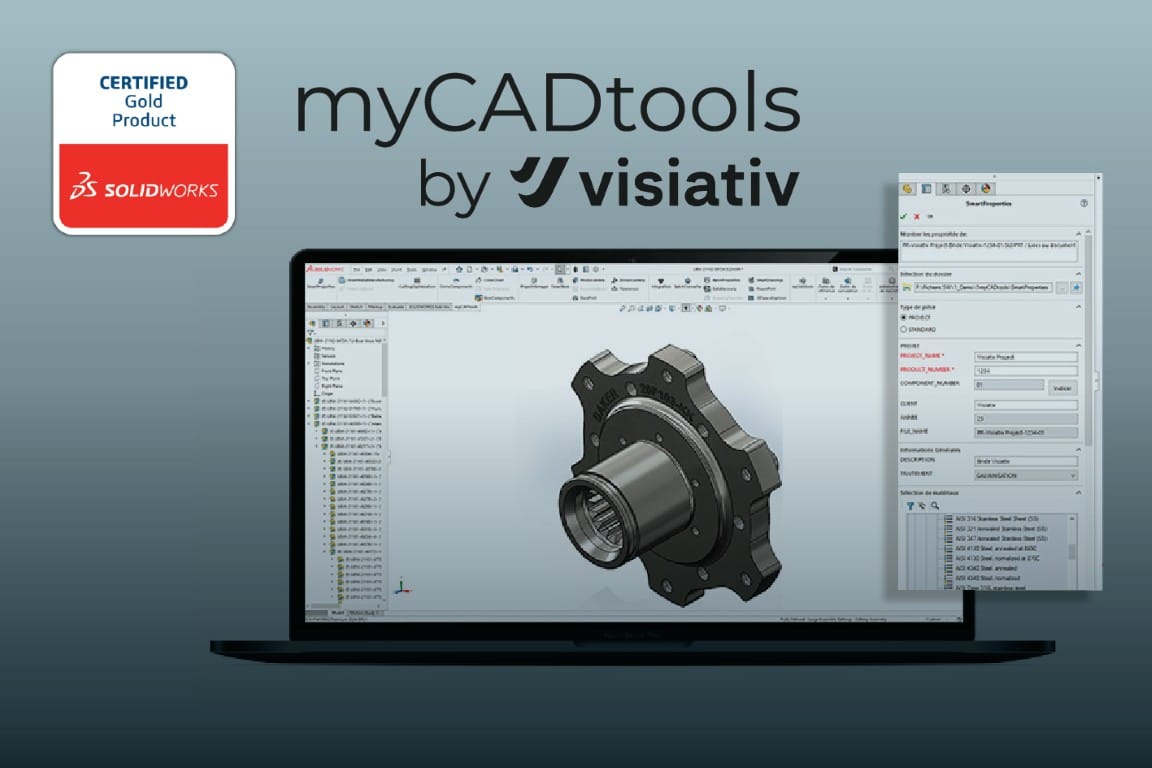
- Integrated CAD automation tools in SOLIDWORKS for data recovery, property creation, automatic drawing generation, manufacturing optimization, and smart BOMs.
- We deliver comprehensive technical support through remote channels, including phone calls, WhatsApp, and email, complemented by on-site support during office hours (9:00 am to 6:00 pm).
- Focuses on improving the efficiency of your licensing and enhancing user productivity. It helps to ensure all license(s) are used effectively, minimize usage bottlenecks, and plan ahead for future licensing needs through insights such as license usage analysis, peak usage, and availability monitoring, service pack compliance, etc.
- Complimentary, hands-on workshops designed to help users sharpen their skills, improve efficiency, and optimize your workflow.
- Empower your team to build their own learning journey with access to 15,000+ lessons covering CAD, CAM, simulation, engineering theory, and more.
- Includes SOLIDWORKS certification exam prep - perfect for learners at any skill level.
- Enjoy USD$250 Training Credit per Elite Subscription to attend live instructor-led training delivered in our office or virtually.
- Training credits are non-stackable, valid for one user per class (USD$250), and cannot be combined with other credits or discounts.
- Enjoy 10% off selected 3D printers distributed by CADVision Systems.
- The discount is limited to one redemption per company per year and it does not scale with the number of Elite Subscription held.
- The discount has no cash value and cannot be combined with other promotions.
- Enjoy 20% off on CADVision Systems engineering services; not applicable for third-party service providers.
- The discount is limited to one redemption per company per subscription year, regardless of the number of Elite Subscription held.
- The discount has no cash value and cannot be combined with other promotions.
- Entitled to one 2 hours session per annual Elite Subscription per user to close learning gaps, apply best practices, and enhance workflow performance beyond standard support.
- ‘Ask an Expert’ sessions cannot be combined into larger consulting projects or can’t break it into multiple shorter sessions.
- Session needs to be pre-scheduled and expect a general lead time of 7 working days.
- Sessions are delivered online. On-site modes are available when combined with the annual usage health check session.
- CADVision Systems reserves the right to adjust or limit the scope of the “Ask an Expert” session if the topic extends beyond the available time.
The above entitlements are only valid during an active subscription period. Any unused entitlements will not be carried forward to the next term or year.
Frequently Asked Questions
How do I schedule a Usage Health Check or “Ask an Expert” session?
Sessions can be scheduled by contacting CADVision Systems team via email / phone call / WhatsApp.
Is there any limit on how many skills enhancement workshops I can attend?
There is no limit, and it is subject to scheduling availability.
Can my team benefit immediately after upgrading?
Yes. Once your subscription is activated, all included tools, training, support services, and discounts are available for immediate use.
Can I split my “Ask an Expert” session into multiple sessions?
We recommend using it to cover all your questions and needs in a single appointment.
Is there any downtime or disruption when upgrading?
No. The package integrates seamlessly with your current SOLIDWORKS setup, so your workflow remains uninterrupted.
Is the on-demand eLearning platform accessible from anywhere?
Yes. The SolidProfessor on-demand learning platform can be accessed anytime, anywhere with an internet connection, allowing your team to learn at their own pace whether in the office, at home or on the go.
I’m already on a SOLIDWORKS subscription. What additional value does CADVision Systems’ Subscription Plan provide?
CADVision Systems’ Subscription Plans are designed for all users, extending beyond the standard SOLIDWORKS subscription. They provide access to a comprehensive range of services, coverages, and resources beyond SOLIDWORKS – listed here.
Maintaining an active subscription with CVS ensures you continue to enjoy these benefits and grants exclusive discounts on selected products and services, which are otherwise available at standard pricing for non-subscribers.
If I own a perpetual SOLIDWORKS license, do I need a CADVision Systems’ Subscription Plan?
Firstly, a perpetual SOLIDWORKS license will continue to operate even if it is inactive.
CADVision Systems’ Subscription Plans are separate from SOLIDWORKS Subscription, offering additional entitlements both within and beyond SOLIDWORKS – listed here. You can opt for CADVision Systems’ Subscription Plans regardless of the status of your SOLIDWORKS license(s).
Does a CADVision Systems’ Subscription Plan keep my SOLIDWORKS licenses active?
No. CADVision Systems’ Subscription Plans are separate from SOLIDWORKS Subscription Plans, offering additional entitlements both within and beyond SOLIDWORKS – listed here.
To renew or update your SOLIDWORKS licenses, you must have an active SOLIDWORKS subscription. Learn more about SOLIDWORKS Subscription Services here.
How does SolidProfessor complement my CADVision Systems’ Subscription Plans?
SolidProfessor enhances your subscription by giving you structured, on-demand learning that offers continuous skill-building that aligns with your technical support, certifications, and training entitlements:
- An extensive online library to learn at your own pace and track your progress
- Dedicated preparation for SOLIDWORKS Certification Exams included in both Essential and Elite plans
- Pairs seamlessly with Elite plan perks like “Ask an Expert” sessions and training credits
Get In Touch
Do you still have a question about what you get with your service plan? Don’t hesitate to get in touch with us – we are here to help you.
"*" indicates required fields