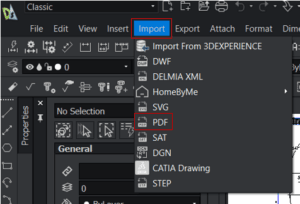
Have you ever received a CAD file that your computer could not open? If you work in design, engineering, architecture, or fabrication, this can happen when files come in formats like DXF, DWG, or DGN.
The good news is that you do not always need a full CAD program just to view a drawing. A DXF viewer can be a simple solution for opening, reviewing, and sharing CAD files.
This guide explains what DXF files are, how to open them, what a DXF viewer can do, and how to choose the right option for your workflow.
What is a DXF file?
DXF stands for Drawing Exchange Format. It is a common CAD file format used to share drawing geometry and design information between different tools and teams.
DXF is widely supported across CAD and manufacturing workflows. It is often used in architecture, engineering, product design, and fabrication processes like laser cutting and CNC, depending on the software and machine requirements.
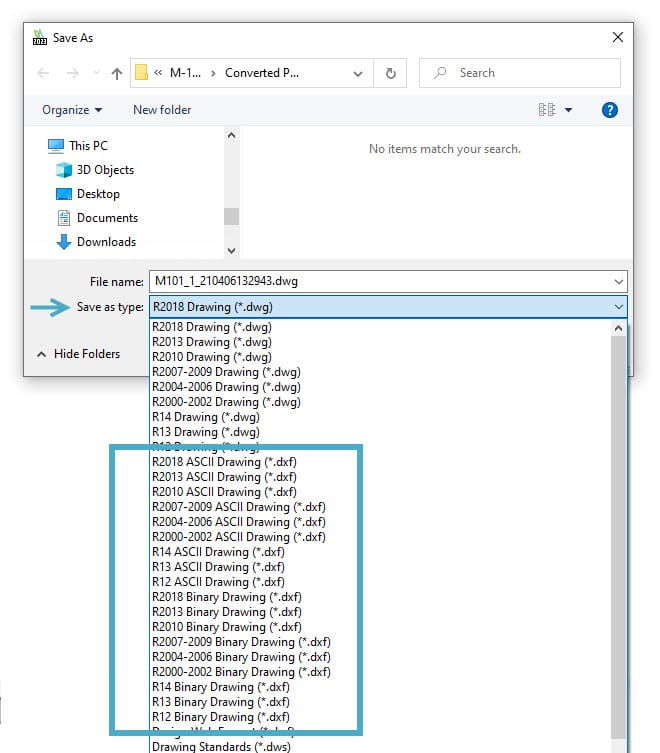
How to open a DXF file?
You have a few options based on what you need to do.
Option 1: Use a DXF viewer
A DXF viewer is useful if you mainly need to:
open and review drawings
zoom and pan smoothly
check distances and areas using measurement tools
export for sharing or printing, such as PDF
Option 2: Use CAD software if you need editing
If you need to edit geometry, manage layers, or add detailed annotations, CAD software is usually a better fit than a basic viewer.
Option 3: Use a mobile viewer for field access
If you need to view drawings during meetings, site visits, or travel, a mobile viewer can be helpful. Always check that the app supports your device and can handle your file size.
Before downloading any viewer, check:
your operating system (Windows, macOS, iOS, Android)
whether the viewer supports other formats you receive, such as DWG
performance on large or complex drawings
export options if you need to print or share files
What can a DXF viewer do?
Not all DXF viewers offer the same features. These are the most common capabilities.
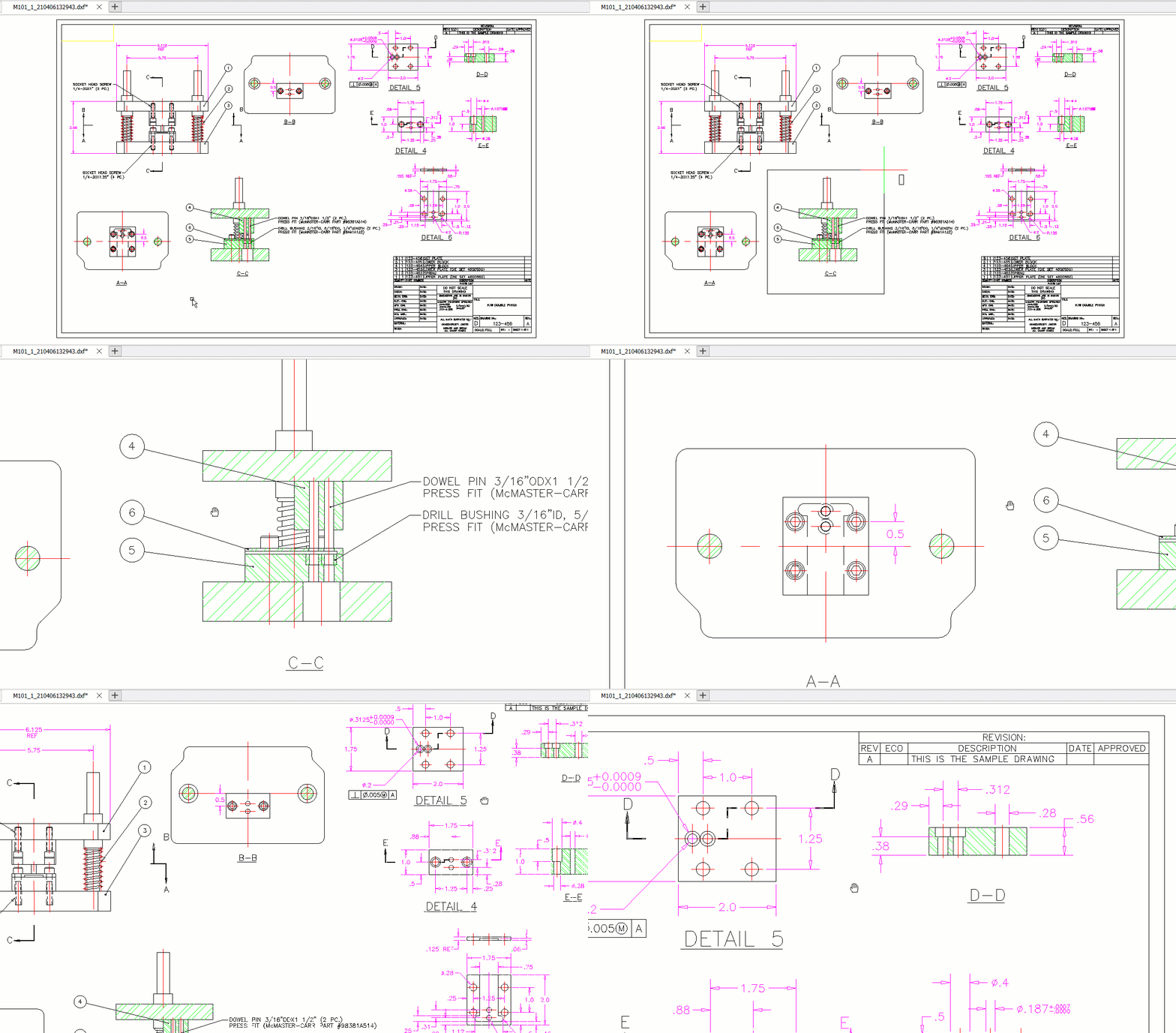
1) Basic viewing tools
Most viewers allow:
pan and zoom
fit to screen and view controls
basic measuring tools for distance and area
2) Support for other CAD formats
Some viewers can open additional CAD formats like DWG. If your workflow includes multiple file types, multi-format support may be important.
3) Markups and comments
Some tools allow simple annotations and comments for review workflows. For heavy editing or drafting work, a CAD editor is usually required.
4) Export and conversion
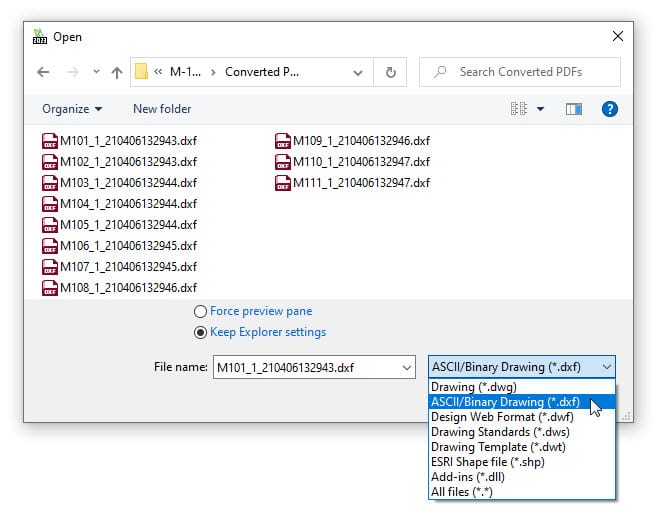
Some viewers allow export to formats such as PDF or image files, which can make sharing easier. Conversion features vary by tool, so it is best to check the software’s supported export formats.
5) Printing support
Printing is often simpler when the viewer supports layouts and export-to-PDF, because PDF is widely compatible with printers.
6) Mobile access
Mobile viewers are useful for quick checks, but large drawings may load slowly depending on the app and device.
How to choose the best DXF viewer for your needs?
The best DXF viewer depends on how you use DXF files.
A free DXF viewer may be enough if you:
only need viewing and basic measurement
do not need editing
work with smaller or simple files
want a lightweight tool for quick review
Consider a paid tool or CAD software if you:
need editing tools and better control
work with large or complex drawings often
need reliable exports and conversions
want stronger markup and collaboration features
frequently handle multiple formats
When a basic viewer is not enough
A basic viewer may not be suitable if you regularly need to:
modify geometry or update details
manage layers and blocks
add professional annotations and dimensions
output files consistently for project documentation
In those cases, using a 2D CAD tool that supports both viewing and editing can reduce switching between multiple apps.
Need more than a DXF viewer?
If you often review and update drawings, DraftSight can help you manage DXF and DWG files with tools for editing and documentation.
Adapted from DraftSight Blog: “Find and Download the Best DXF Viewer”.