Managing custom properties in SOLIDWORKS can be one of the most repetitive and time consuming tasks for engineers. Whether it involves naming files, filling in BOM data, standardising descriptions, or ensuring PDM compliance, the manual work adds up and increases the risk of costly errors.
Smart Properties in myCADtools was created with one mission.
To eliminate unnecessary manual input and bring automation, consistency, and accuracy to every SOLIDWORKS workflow.
Below, we highlight how Smart Properties transforms your day to day work and why engineering teams in Malaysia and Singapore, including design, manufacturing, and R&D groups, rely on it to improve productivity.
1. Customisable Input Masks: Only See What You Need
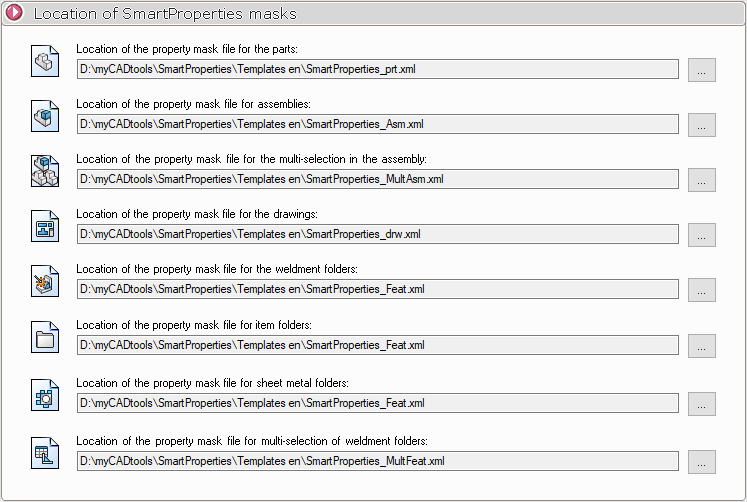
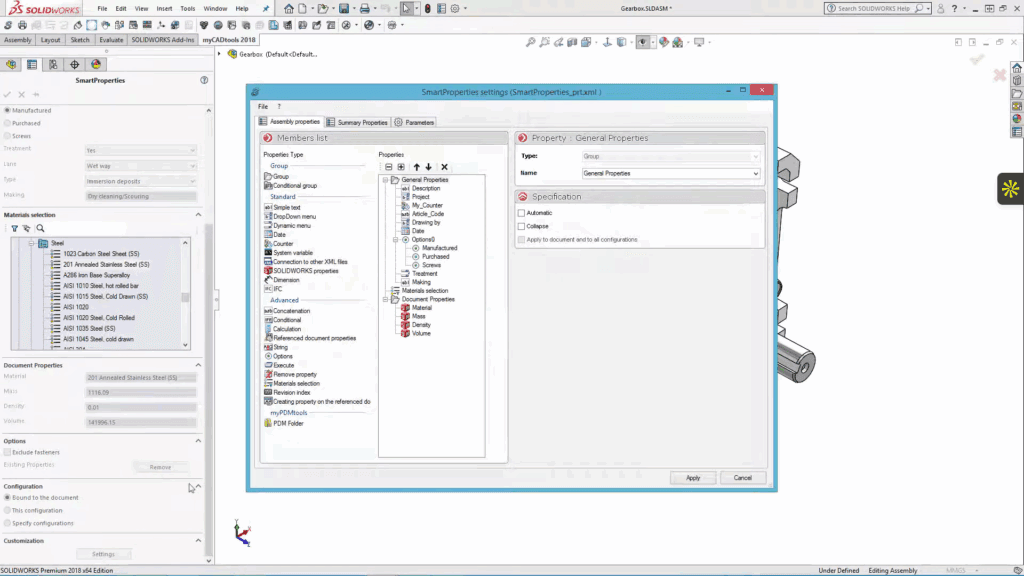
With Smart Properties, you can create custom input forms that match your exact requirements. These can be set for:
Parts
Assemblies
Drawings
Weldment cut lists
You control which fields appear, ensuring engineers only enter the information that matters. This reduces input time and prevents inconsistent data such as “SS” and “Stainless Steel”.
2. Standardised Properties Across Your Entire Team
Smart Properties enforces consistent data entry rules. This ensures:
Uniform property naming
Zero spelling variations
More reliable data for BOMs and downstream processes
Standardisation leads to smoother collaboration and fewer errors when transferring data from design to manufacturing.
3. Works at Every Level of Your SOLIDWORKS Files
Unlike standard SOLIDWORKS tools, Smart Properties applies rules across:
Single parts
Multi configuration files
Assemblies
Weldment structures
Cut lists
This keeps complex models clean, organised, and ready for production.
4. Automatic File Naming and Built In Backups
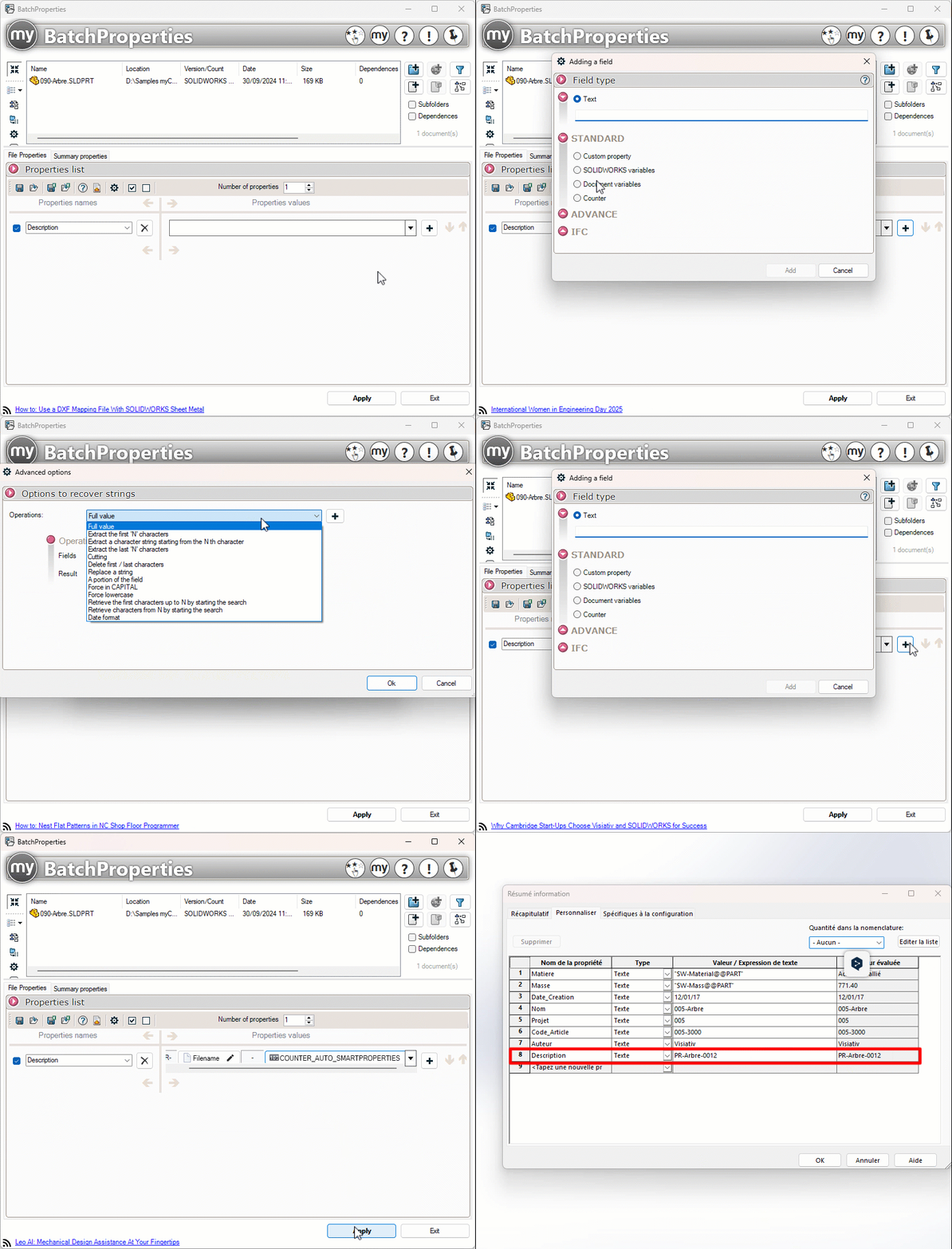
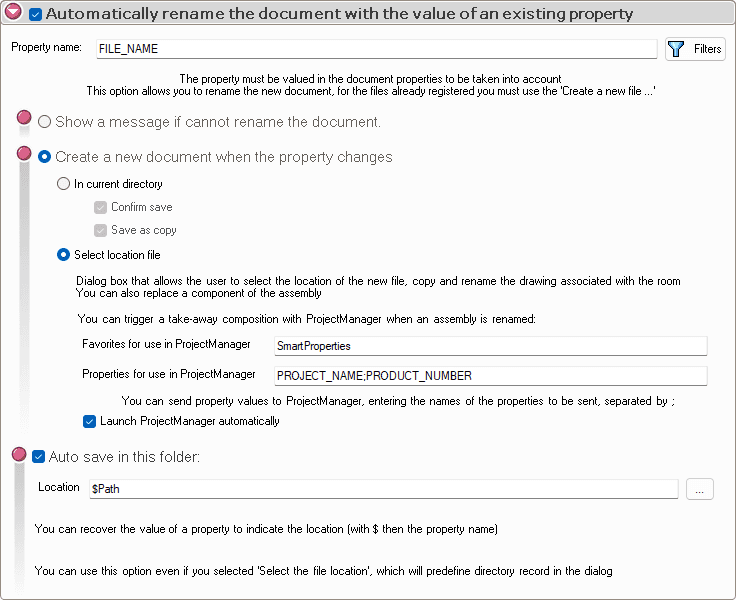
Smart Properties can automatically generate file names based on property fields.
For example:$Project&-&$ArticleNumber becomes Project 00123.
This removes the need for manual renaming and ensures every file follows your company’s naming standard.
Backup options are also available so your configuration settings remain safe at all times.
5. Seamless Integration With SOLIDWORKS PDM
Smart Properties integrates directly with SOLIDWORKS PDM. This ensures:
Accurate metadata
Smooth check in and check out
Clear traceability
No missing or mismatched fields
This is especially useful for manufacturing organisations that depend on PDM for compliance and approval workflows.
Real World Impact: What Teams Gain Instantly
Teams that start using Smart Properties often experience:
Faster setup for new projects
Cleaner and more accurate property data
Fewer mistakes that cause rework
Correct BOM data with minimal manual entry
More time focused on design instead of administration
These benefits continue to grow as your SOLIDWORKS library expands.
Part of a Complete myCADtools Productivity Suite
Smart Properties is only one of more than 50 tools inside myCADtools.
The suite includes tools for:
Design automation
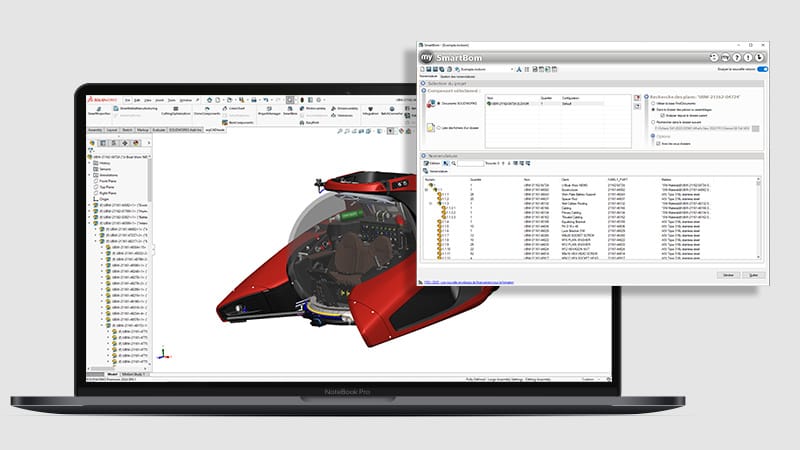
BOM management
Drawing creation
Weldment data
Project duplication
Batch processing
Try Smart Properties With Our Local Support Team
CADVision Systems is your preferred SOLIDWORKS partner in Malaysia and Singapore. Our certified team provides full training and support for myCADtools, and we can guide you step by step on how to implement Smart Properties effectively in your design workflows. For further documentation, read more here.